
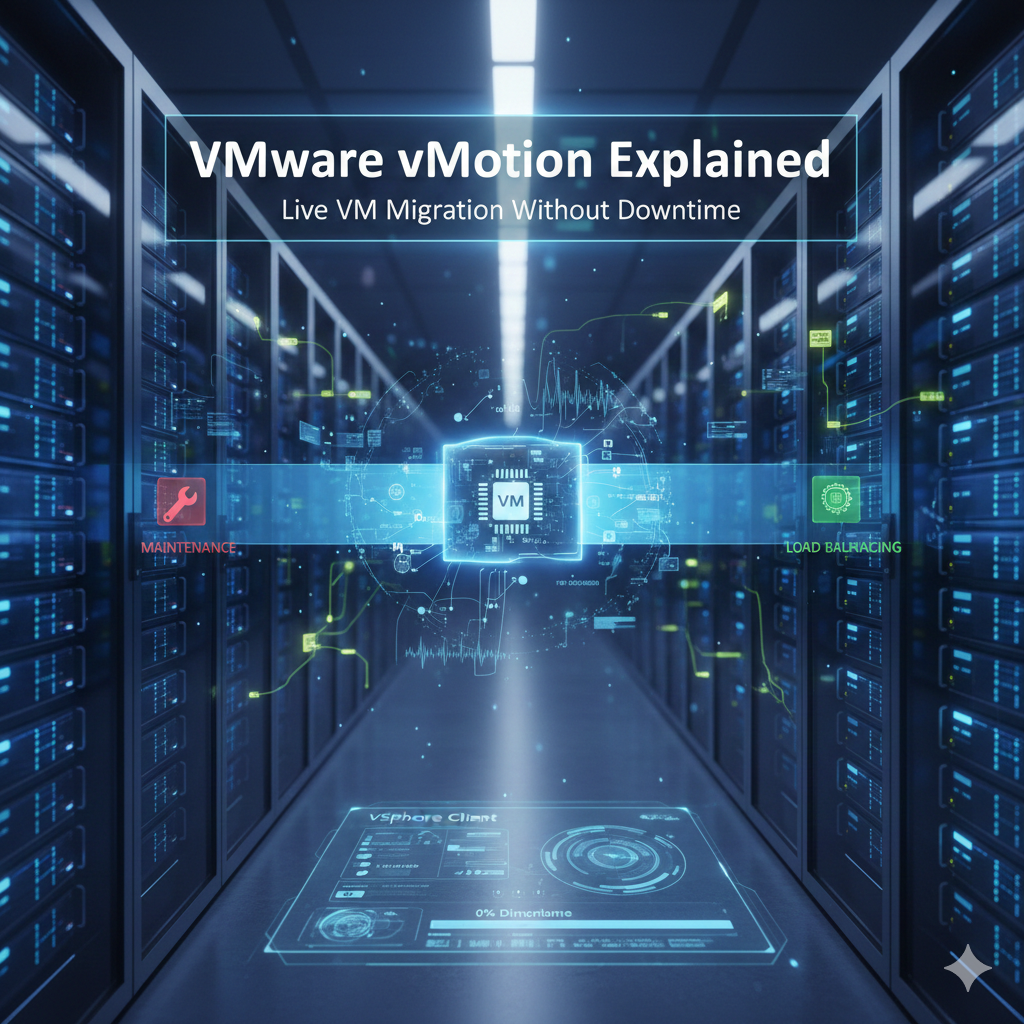
vMotion moves the active compute state of a virtual machine from one ESXi host to another while the guest continues running. It supports maintenance and workload balancing by preserving the VM’s network identity and minimizing service interruption.
What moves during a standard migration
The destination host receives the VM configuration and a progressively synchronized copy of memory while changed pages are tracked. During a brief switchover, execution is transferred to the destination and networking is updated. Virtual disks normally remain on shared storage unless storage migration is also selected.
Core prerequisites
- Source and destination hosts are managed in a compatible vSphere environment.
- A working VMkernel interface is enabled for vMotion on each host.
- Hosts have reliable, appropriately sized network connectivity for migration traffic.
- The destination can access required datastores or a combined compute-and-storage migration is supported.
- CPU compatibility is satisfied directly or through Enhanced vMotion Compatibility.
- The destination provides compatible port groups, switches, and policy settings.
- The VM has no device or configuration that blocks live migration.
vMotion, Storage vMotion, and combined migration
| Option | Moves compute state | Moves virtual disks |
|---|---|---|
| vMotion | Yes | No |
| Storage vMotion | No | Yes |
| Combined migration | Yes | Yes |
Migration phases
- vCenter performs compatibility checks.
- The destination prepares the VM execution context.
- Memory pages are copied while the source VM continues running.
- Changed pages are copied in additional passes.
- The VM pauses briefly and final state is transferred.
- Execution resumes on the destination and the source state is released.
Network and security considerations
Use a dedicated or isolated vMotion network, provide redundancy, and protect migration traffic according to the environment’s sensitivity. Encrypted vMotion can protect data in transit on supported configurations. Confirm MTU consistently across the full path before enabling jumbo frames.
Common migration failures
| Symptom | Likely area |
|---|---|
| Compatibility check fails | CPU, device, datastore, or network mismatch |
| Migration stalls or is slow | Bandwidth, packet loss, latency, or memory churn |
| Destination network unavailable | Missing or inconsistent port group |
| Authentication or host error | Management state, certificates, or services |
| Insufficient resources | Destination CPU, memory, or admission control |
Operational practice
Test live migration before a maintenance event, monitor vMotion bandwidth, standardize host networking, keep firmware and supported versions aligned, and verify that backups and monitoring continue after the move. A successful task does not replace application-level health checks.
Join the discussion
0 CommentsAsk questions, add context, or share what worked.
More from Melochip Editorial

Learn what Playwright testing is, why modern QA teams use it, how testers can get started, and the major types...
7 min read · Sep 19, 2026

Learn how Kubernetes Deployments and ReplicaSets work with practical YAML, scaling, self-healing, rolling upda...
7 min read · Sep 17, 2026

Learn Kubernetes security best practices with RBAC, Secrets, ServiceAccounts, Pod securityContext, NetworkPoli...
6 min read · Sep 17, 2026Related articles
Learn how Kubernetes Deployments and ReplicaSets work with practical YAML, scaling, self-healing, rolling upda...
7 min read · Sep 17, 2026

Learn Kubernetes monitoring and logs with kubectl logs, events, metrics-server, top commands, Prometheus, Graf...
5 min read · Sep 17, 2026

Learn Kubernetes Ingress with controllers, IngressClass, host and path routing, TLS, DNS, annotations, redirec...
8 min read · Sep 17, 2026

Learn Kubernetes ConfigMaps and Secrets with YAML, environment variables, file mounts, update behavior, immuta...
8 min read · Sep 17, 2026Stay in the loop. Get new Melochip articles
Receive Melochip article updates when new articles are available. Explicit opt-in only.
No comments yet. Start the discussion.