
iOS Development iOS DevelopmentSwiftSwiftUIUIKit

Article & Tutorial

SwiftUI vs UIKit with Swift vs Objective-C

Compare SwiftUI, UIKit with Swift, and Objective-C for Apple-platform development across architecture, compatibility, team skills, migration, testing, and long-term maintenance.

SwiftUI, UIKit, and Objective-C Apple app development comparison
Contents

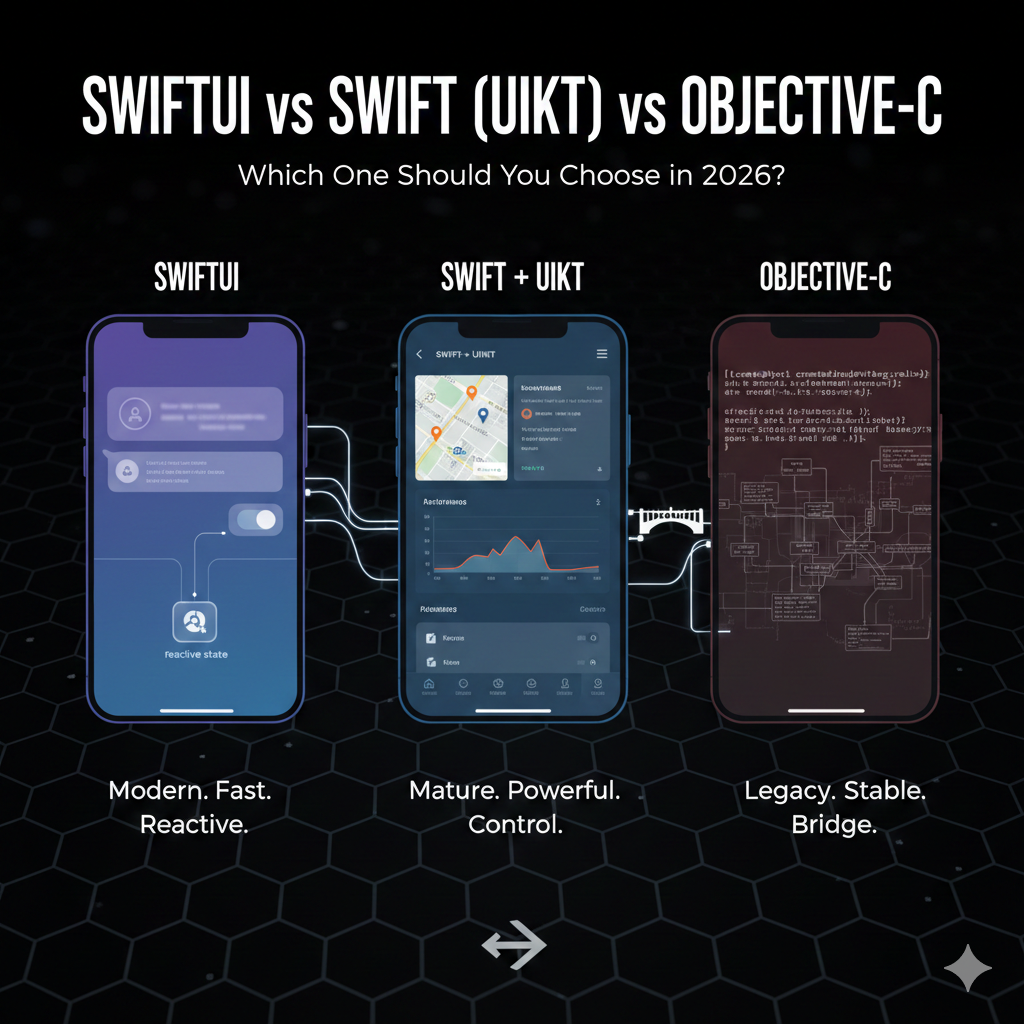
SwiftUI, UIKit with Swift, and Objective-C are not three equivalent choices. Swift and Objective-C are programming languages; SwiftUI and UIKit are user-interface frameworks. Most new Apple-platform projects use Swift, then choose SwiftUI, UIKit, or a deliberate mixture based on deployment targets and product needs.

The three approaches at a glance

ApproachBest fitPrimary tradeoff
SwiftUI with SwiftNew apps and state-driven interfacesNewer framework behavior and platform-version differences
UIKit with SwiftMature iOS interfaces and precise controlMore imperative code and lifecycle management
Objective-C with UIKitExisting legacy codebases and dependenciesHigher maintenance cost for new development

Why teams choose SwiftUI

SwiftUI uses a declarative model: views describe the interface for current state, and the framework updates the rendered result. It supports reusable components, previews, animation, accessibility integration, and a shared design approach across Apple platforms. It is especially effective when data flow and view state are designed clearly.

Where UIKit remains valuable

UIKit has a mature ecosystem and gives direct control over view controllers, navigation, layout, collection views, text input, and complex interactions. It remains important for older deployment targets, existing applications, and edge cases where a UIKit component is more capable or predictable.

Objective-C in modern projects

Objective-C remains relevant when a product contains substantial legacy code, C-family libraries, or older frameworks. New feature work can often be written in Swift while preserving existing Objective-C modules. A gradual migration is usually safer than a full rewrite.

Mixing SwiftUI and UIKit

  • Embed SwiftUI screens in an existing UIKit application.
  • Wrap a UIKit view or controller for use inside SwiftUI.
  • Keep stable legacy flows while building new features in SwiftUI.
  • Define clear boundaries for navigation, state ownership, and dependency injection.
  • Test the integration boundary on every supported operating-system version.

Decision checklist

  1. Set the minimum operating-system version.
  2. Identify complex UI, navigation, text, media, and accessibility requirements.
  3. Measure the team’s SwiftUI and UIKit experience.
  4. Assess legacy code and third-party dependencies.
  5. Prototype the hardest screen, not only the easiest one.
  6. Choose an incremental migration plan with measurable checkpoints.

For most new applications, Swift plus SwiftUI is a strong default, with UIKit used where it provides necessary maturity or control. Existing UIKit applications rarely need a risky rewrite; they can adopt SwiftUI feature by feature.

SwiftUI documentation

Did this help?

Yes No

Join the discussion

0 Comments

Ask questions, add context, or share what worked.

Sign in to join the discussion

No comments yet. Start the discussion.

More from Melochip Editorial

Related articles

Stay in the loop. Get new Melochip articles

Receive Melochip article updates when new articles are available. Explicit opt-in only.

No pre-checked boxes. Unsubscribe support is part of the subscriber foundation.



