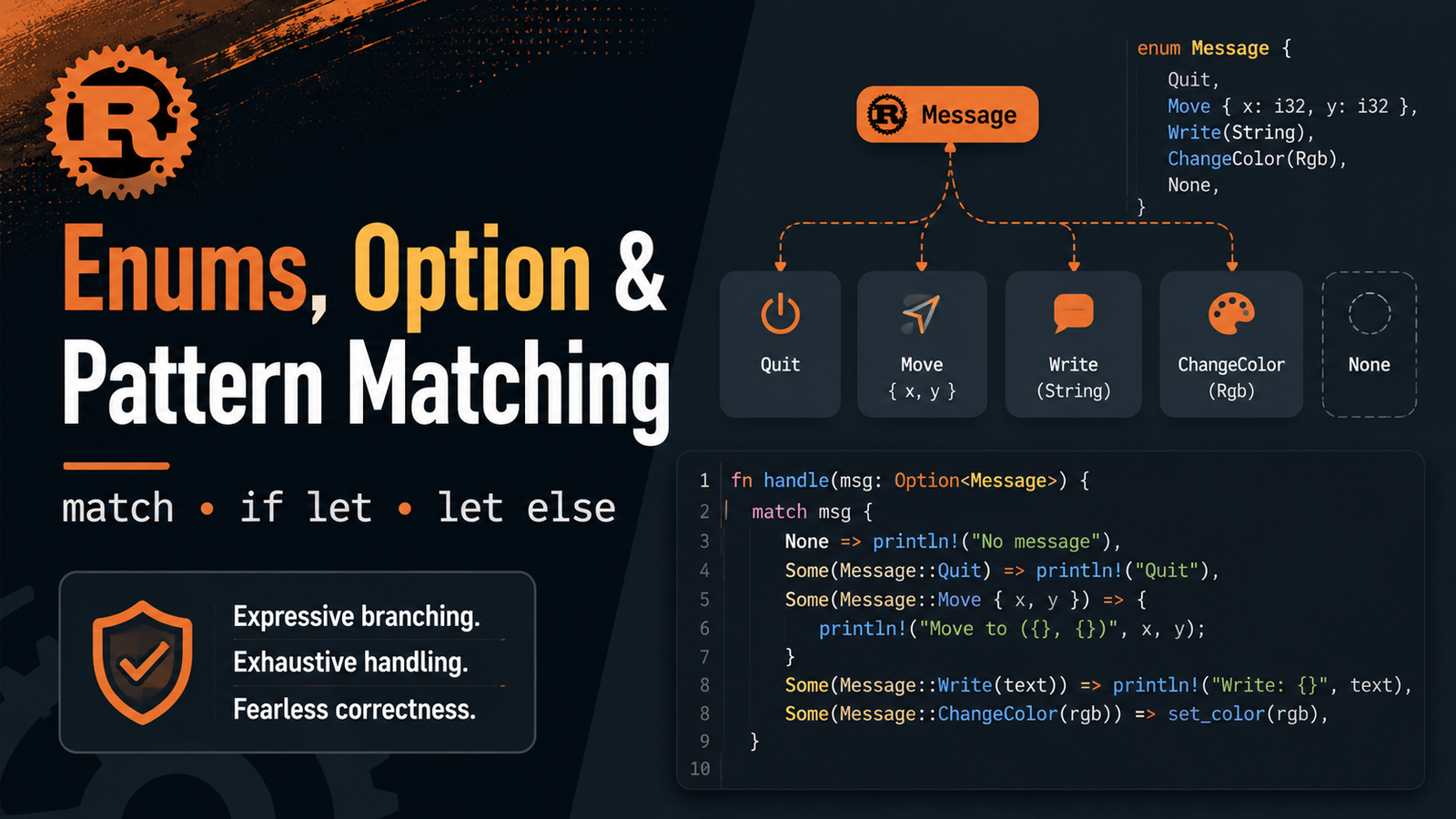
Rust Enums, Option and Pattern Matching: match, if let and let else article illustrationContents
Structs describe a type with a set of fields. Enums solve a different problem: they let a value be one of several valid variants.
This makes enums ideal for application states, commands, protocol messages, API outcomes and domain models. Combined with match, Rust enums make invalid or forgotten states much harder to ignore.
Enums, like structs, can have impl blocks and methods.
Pattern matching with match
bash
enum Status { Starting, Running, Failed, } fn status_code(status: Status) -> u16 { match status { Status::Starting => 102, Status::Running => 200, Status::Failed => 500, } }
match is an expression, so each arm can produce a value.
match must be exhaustive
Rust requires all possible cases to be handled. If you add a new enum variant and forget to update a relevant exhaustive match, the compiler can point out the missing case.
bash
match status { Status::Running => println!("healthy"), _ => println!("not healthy yet"), }
The _ wildcard matches any remaining case. Use it intentionally: explicit variants often make business logic easier to audit.
The type tells callers that a value may not exist. Code must account for absence before treating the inner value as a normal T. This shifts many missing-value mistakes into visible, compiler-guided control flow.
Useful Option methods
Method
Purpose
is_some()
Check whether a value exists
is_none()
Check whether the option is empty
unwrap_or(default)
Use contained value or default
unwrap_or_else(...)
Compute a fallback lazily
map(...)
Transform the contained value if present
and_then(...)
Chain optional computations
as_ref()
Borrow inner value instead of moving it
unwrap() also exists, but it panics on None. Prefer explicit handling when absence is a normal possibility.
if let for one interesting pattern
bash
let port = Some(443); if let Some(value) = port { println!("configured port: {value}"); }
if let is useful when you care about one pattern and do not need a full multi-arm match.
if let with else
bash
let token: Option<String> = None; if let Some(token) = token { println!("token={token}"); } else { println!("no token configured"); }
let else for early exit
bash
fn print_port(port: Option<u16>) { let Some(port) = port else { println!("port not configured"); return; }; println!("port={port}"); }
let ... else is useful when a pattern is required to continue and the failure path should leave the current control flow with return, break, continue or another diverging expression.
match guards
bash
let port = Some(443); match port { Some(p) if p < 1024 => println!("privileged/well-known range: {p}"), Some(p) => println!("port: {p}"), None => println!("not configured"), }
A match guard adds an extra Boolean condition to an arm.
Destructuring tuples and structs
bash
let point = (10, 20); match point { (0, 0) => println!("origin"), (x, 0) => println!("x-axis at {x}"), (0, y) => println!("y-axis at {y}"), (x, y) => println!("point {x},{y}"), }
Pattern matching extends beyond enums. Rust patterns can destructure tuples, structs, arrays and nested values.
This is stronger than scattering unrelated booleans such as is_running, is_failed and is_complete, which could accidentally represent contradictory states.
Enum vs struct
Use struct when...
Use enum when...
A value has one shape with related fields
A value can be one of several states/variants
Fields usually exist together
Different variants may contain different data
Example: Server configuration
Example: Deployment state
Common mistakes
Forgetting a variant in a match .
Using _ too broadly and accidentally hiding meaningful new variants.
Calling unwrap() on optional input that can legitimately be absent.
Moving an owned value out of Some(T) when you only intended to borrow it.
Using multiple booleans where a single enum would represent mutually exclusive states more clearly.
Borrow an Option value
bash
let name = Some(String::from("api")); match name.as_ref() { Some(value) => println!("{value}"), None => println!("missing"), } println!("{:?}", name);
as_ref() converts an Option view into Option, letting you inspect the inner value without moving it.
Add another variant and observe the compile error until the match is updated.
Create a function returning Option for user input.
Use let Some(command) = ... else { ... }; to reject invalid input early.
Use borrowing so displaying a command does not unnecessarily consume it.
Key points
Enums model one-of-many valid variants.
Variants can carry different data.
match provides exhaustive pattern matching.
Option makes absence explicit with Some(T) and None .
if let is concise for a small number of patterns.
let ... else is useful for required-pattern early exits.
Patterns can destructure enums, structs, tuples and nested data.
Stage 2 complete
You now have the foundation needed to understand Rust's memory safety and custom data modeling: ownership, borrowing, strings/slices, structs and enums.
Next we move into Stage 3 — Collections, Errors and Abstractions, beginning with Chapter 11: Vec, HashMap and HashSet.







No comments yet. Start the discussion.