
Rust is easiest to learn when the compiler, package manager, and project layout
are predictable. This guide installs the stable toolchain with rustup, checks
that the shell can find it, and uses Cargo for a first reproducible build.
Learning outcomes
After this guide, you should be able to:
- explain the roles of rustc, rustup, and Cargo;
- install or update the stable toolchain for your platform;
- create, check, run, and test a Cargo project;
- identify PATH and native-linker failures without guessing.
Prerequisites
You need a terminal, permission to install developer tools, and a supported development machine. A network connection is required for the initial download. On some platforms, a C compiler and linker are also needed by dependencies.
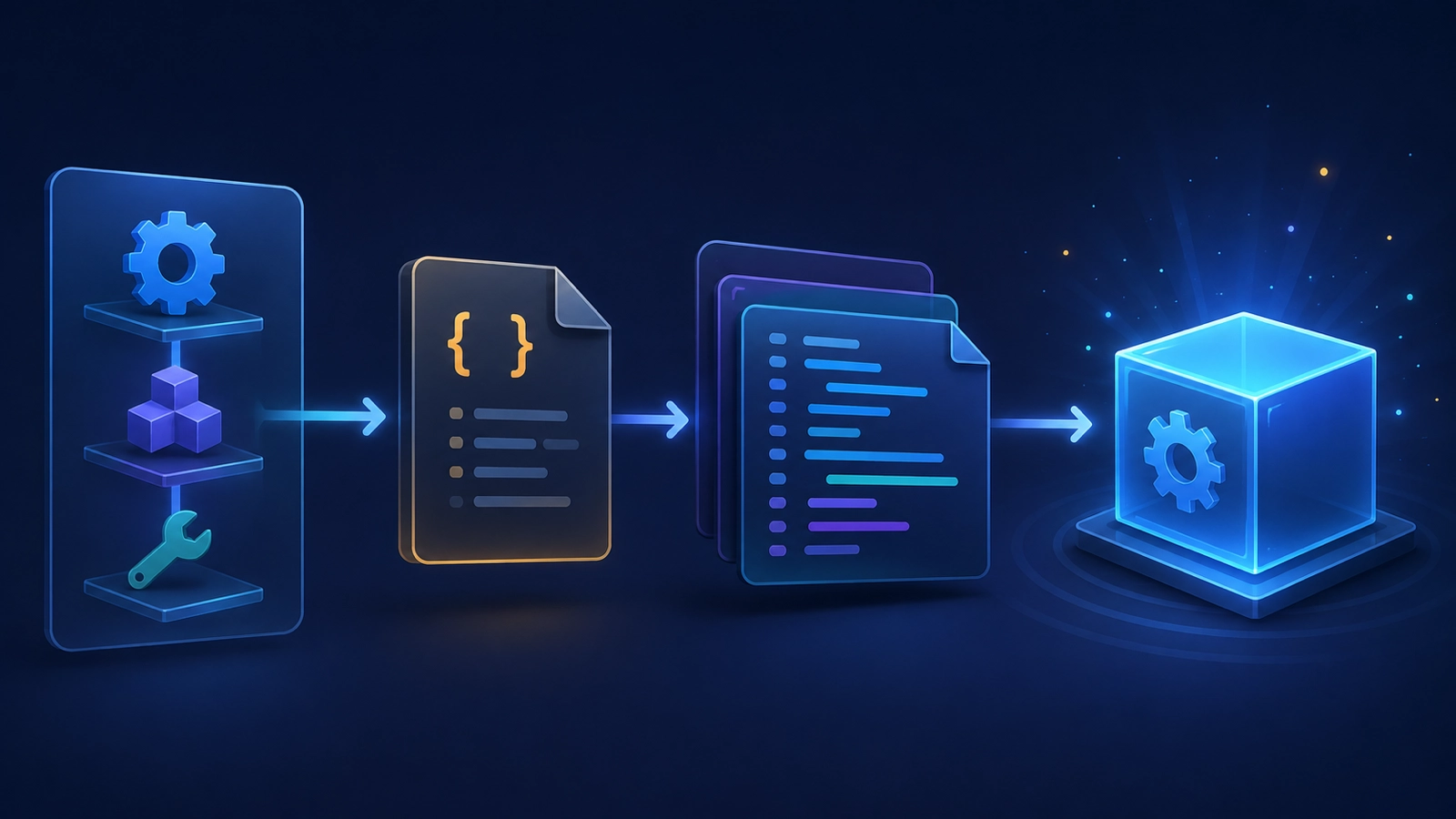
The Rust toolchain in three parts

| Tool | Responsibility | Typical use |
|---|---|---|
| rustc | Compiles Rust source | rustc --version |
| rustup | Installs and selects toolchains and targets | rustup show |
| Cargo | Builds packages, resolves dependencies, runs tests | cargo check |
Cargo is installed with the standard rustup toolchain. You normally use Cargo
for projects even when a one-file experiment could be compiled directly with
rustc.
Install the stable toolchain
macOS and Linux
The official installer can be started with:
curl --proto '=https' --tlsv1.2 https://sh.rustup.rs -sSf | sh
Review the installer prompt before accepting it. Restart the shell or load the
environment file it reports. On macOS, xcode-select --install may be needed
for the system linker. On Linux, install the compiler and linker package named
by your distribution’s documentation when a build reports that cc is absent.
Windows
Use the official rustup installer and select the toolchain appropriate for the MSVC environment unless your project has a documented alternative. The MSVC build tools provide the linker and native libraries commonly needed by crates.
Verify the installation
Run these commands in a new shell:
rustc --version
cargo --version
rustup show active-toolchain
The versions may change as stable releases advance. The important result is that each command resolves to the same intended toolchain family.
Create and run a first project
cargo new hello-rust
cd hello-rust
cargo check
cargo run
cargo test
cargo new creates a package with Cargo.toml and src/main.rs. cargo check
type-checks without producing a final binary, cargo run builds and executes
the default binary, and cargo test runs discovered tests.
Expected program output includes:
Hello, world!
The exact compiler progress lines and timing are environment-dependent.
Build and inspect a package
Use cargo build for a debug build and cargo build --release for an optimized
release build. Keep the generated target/ directory out of source control.
For a dependency graph, use:
cargo tree
Commit Cargo.toml and, for an application, normally commit Cargo.lock so a
team can reproduce dependency resolution. Treat dependency updates as reviewable
changes.
Common mistakes and troubleshooting
The command is not found
Open a new shell after installation and inspect the PATH entry reported by rustup. Avoid adding a second Rust installation until you know which executable the shell is selecting.
A linker is missing
Rust compilation can reach the native linker even when the Rust code is valid.
Install the platform-supported C compiler/linker toolchain, then rerun
cargo check.
A dependency fails to build
Read the first actionable error, check the crate’s supported Rust version and platform notes, and rerun with the same lockfile. Do not solve a version issue by blindly selecting nightly.
A command needs the network
Cargo may need to fetch dependencies. In restricted environments, prefetch and
use --offline only when the required packages are already cached.
Security and production considerations
Use HTTPS for installation and verify the toolchain source and local PATH. Keep
secrets out of Cargo.toml, shell history, examples, and issue reports. Pin and
review dependency updates for production builds; a successful local compile is
not a security or availability guarantee.
Summary
Install the stable toolchain with rustup, verify rustc and Cargo, and use
Cargo’s project commands as the default workflow. Small, repeatable checks make
later ownership, API, and database examples easier to reproduce.
Technical review flags
- Confirm the current rustup installer guidance and platform prerequisites at publication time.
- Confirm the recommended Windows toolchain and linker wording for the supported Rust targets.
- Test every command in a clean environment on the supported operating systems.
Join the discussion
0 CommentsAsk questions, add context, or share what worked.
More from Melochip Editorial

Learn what Playwright testing is, why modern QA teams use it, how testers can get started, and the major types...
7 min read · Sep 19, 2026

Learn how Kubernetes Deployments and ReplicaSets work with practical YAML, scaling, self-healing, rolling upda...
7 min read · Sep 17, 2026

Learn Kubernetes security best practices with RBAC, Secrets, ServiceAccounts, Pod securityContext, NetworkPoli...
6 min read · Sep 17, 2026Related articles
Learn what Playwright testing is, why modern QA teams use it, how testers can get started, and the major types...
7 min read · Sep 19, 2026
Learn how Kubernetes Deployments and ReplicaSets work with practical YAML, scaling, self-healing, rolling upda...
7 min read · Sep 17, 2026

Troubleshoot Kubernetes issues including Pending Pods, CrashLoopBackOff, ImagePullBackOff, service routing, in...
7 min read · Sep 17, 2026

Learn Kubernetes Ingress with controllers, IngressClass, host and path routing, TLS, DNS, annotations, redirec...
8 min read · Sep 17, 2026Stay in the loop. Get new Melochip articles
Receive Melochip article updates when new articles are available. Explicit opt-in only.
No comments yet. Start the discussion.