

GitLab provides two major decision layers: workflow rules determine whether a pipeline is created, while job rules determine which jobs are added and how they behave. Older only and except syntax still appears in existing configurations, but new designs should prefer rules.
Decision layers
| Mechanism | Scope | Typical question |
|---|---|---|
| workflow: rules | Entire pipeline | Should this pipeline exist for this event? |
| Job rules | One job | Should this job be added, and with which behavior? |
| only / except | Legacy job selection | Which references or events include or exclude the job? |
Rules are evaluated in order
The first matching rule determines the job’s inclusion and relevant attributes. Put specific conditions before broad fallbacks, and make the final behavior explicit. A permissive last rule can create jobs in pipeline sources you did not intend.
Common conditions
- Branch or tag context.
- Merge-request pipeline source.
- Scheduled, triggered, or web-created pipeline.
- File changes relevant to a component.
- Existence of files in the repository.
- Variable values for approved modes.
- Manual action for controlled deployment.
Avoid duplicate pipelines
A branch push associated with a merge request can produce more than one pipeline if workflow and job rules are not coordinated. Decide which pipeline types the project needs, then encode that policy at workflow level before defining job-specific behavior.
Manual jobs and approvals
A manual job is a control point, not a complete authorization system. Protect environments and branches, restrict who can run deployment jobs, use least-privilege credentials, and record the deployed artifact and approver.
Migrate from only and except
- Document existing behavior for branches, tags, schedules, and merge requests.
- Create representative test cases for every pipeline source.
- Translate one job at a time to rules.
- Inspect the merged configuration and simulated outcomes.
- Run on non-production references.
- Remove old syntax only after behavior matches.
Review checklist
- Every intended pipeline source is covered.
- Untrusted pipelines cannot access protected secrets.
- Change-based rules handle new and deleted files.
- Schedule conditions are separate from push behavior.
- A clear fallback prevents unexpected inclusion.
- Production jobs have explicit authorization and environment protection.
Join the discussion
0 CommentsAsk questions, add context, or share what worked.
More from Melochip Editorial

Learn what Playwright testing is, why modern QA teams use it, how testers can get started, and the major types...
7 min read · Sep 19, 2026

Learn how Kubernetes Deployments and ReplicaSets work with practical YAML, scaling, self-healing, rolling upda...
7 min read · Sep 17, 2026

Learn Kubernetes security best practices with RBAC, Secrets, ServiceAccounts, Pod securityContext, NetworkPoli...
6 min read · Sep 17, 2026Related articles
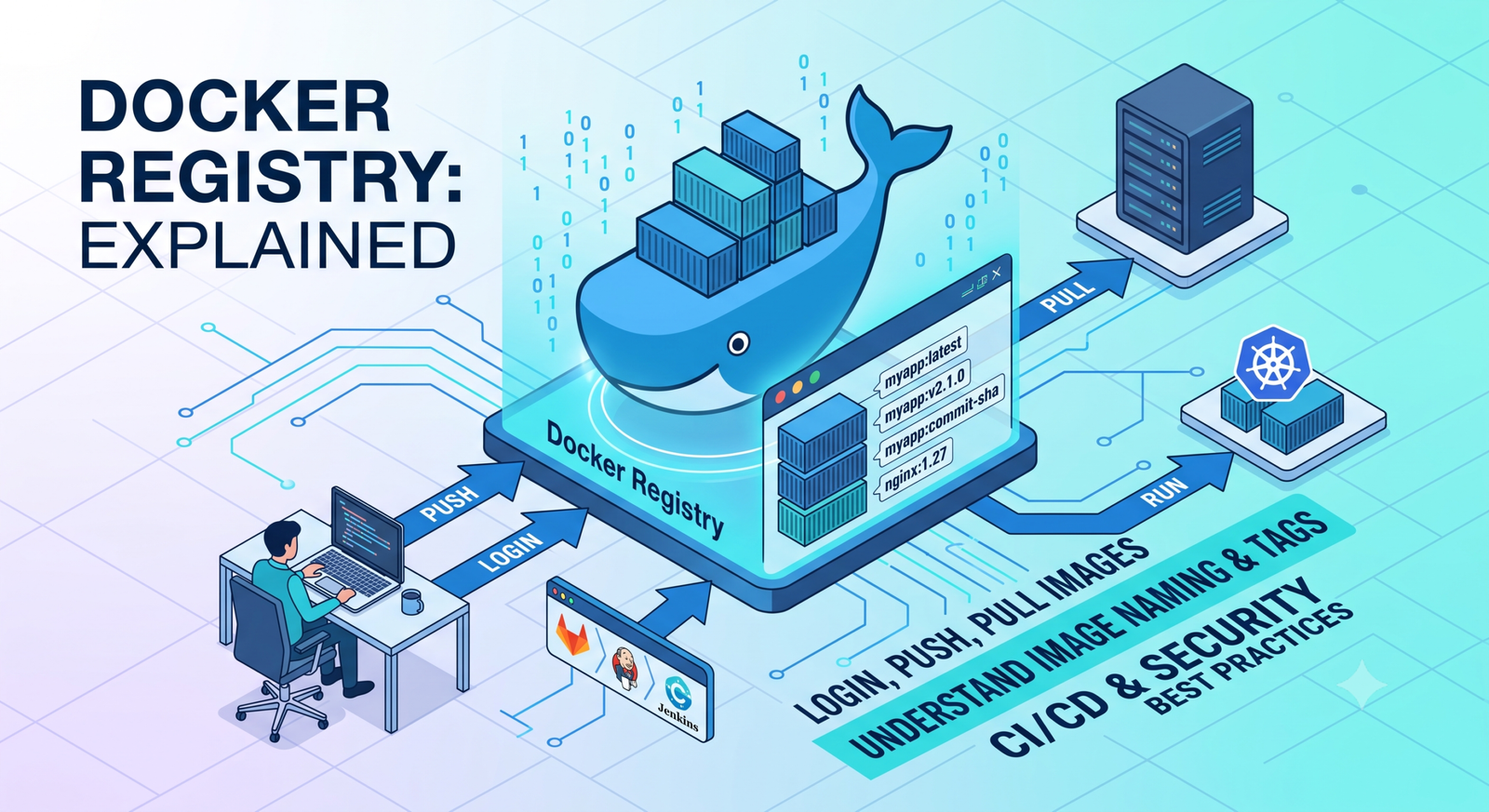
Learn Docker registries, image tags, Docker Hub, private registries, login, push, pull, naming rules, CI/CD us...
2 min read · Sep 17, 2026

Learn Kubernetes monitoring and logs with kubectl logs, events, metrics-server, top commands, Prometheus, Graf...
5 min read · Sep 17, 2026
Learn what Playwright testing is, why modern QA teams use it, how testers can get started, and the major types...
7 min read · Sep 19, 2026
Learn how Kubernetes Deployments and ReplicaSets work with practical YAML, scaling, self-healing, rolling upda...
7 min read · Sep 17, 2026Stay in the loop. Get new Melochip articles
Receive Melochip article updates when new articles are available. Explicit opt-in only.
No comments yet. Start the discussion.