

A container build pipeline converts a reviewed source revision and Dockerfile into an immutable image, verifies it, and publishes it to an approved registry. The strongest design builds once and promotes the same digest through environments instead of rebuilding production from changing inputs.
Pipeline flow
- Validate application code and the Dockerfile.
- Authenticate to the registry with short-lived or job-scoped credentials.
- Build from pinned, trusted base-image references.
- Tag the image with a unique commit-based identifier.
- Run tests and security checks against the built image.
- Push the image and capture its immutable digest.
- Promote or deploy by digest after required approvals.
Choose a build approach
| Approach | Benefit | Security consideration |
|---|---|---|
| Docker daemon service | Familiar workflow | Privileged mode and daemon exposure |
| Rootless builder | Reduced host privilege | Feature compatibility and setup |
| Daemonless builder | Good CI isolation | Caching and registry configuration |
| Dedicated remote builder | Central capacity and controls | Network trust and tenant isolation |
Tagging strategy
Use an immutable commit identifier or release version for traceability. A moving tag can provide convenience, but deployment records should retain the digest. Prevent untrusted branches from overwriting release tags.
Registry authentication
Use GitLab-provided job credentials or another short-lived identity where supported. Limit push access to required repositories, protect release paths, avoid printing login commands with secrets, and ensure credentials are unavailable to untrusted merge-request jobs.
Build security
- Pin base images by digest for controlled releases.
- Use minimal base images and a non-root runtime user.
- Keep secrets out of build arguments and image layers.
- Generate a software bill of materials.
- Scan dependencies and the final image.
- Sign or attest trusted releases.
- Block critical findings according to an exception process.
Caching without losing reproducibility
Layer and registry caching can shorten builds, but cache keys and access must separate trust boundaries. The pipeline should remain correct when cache is unavailable, and protected builds should not restore executable cache content from untrusted sources.
Release verification
Record source revision, pipeline, builder identity, image digest, scan result, and approval. Test pulling from the target environment and run the container with its intended non-root user, filesystem settings, health checks, and resource limits.
Join the discussion
0 CommentsAsk questions, add context, or share what worked.
More from Melochip Editorial

Learn what Playwright testing is, why modern QA teams use it, how testers can get started, and the major types...
7 min read · Sep 19, 2026

Learn how Kubernetes Deployments and ReplicaSets work with practical YAML, scaling, self-healing, rolling upda...
7 min read · Sep 17, 2026

Learn Kubernetes security best practices with RBAC, Secrets, ServiceAccounts, Pod securityContext, NetworkPoli...
6 min read · Sep 17, 2026Related articles
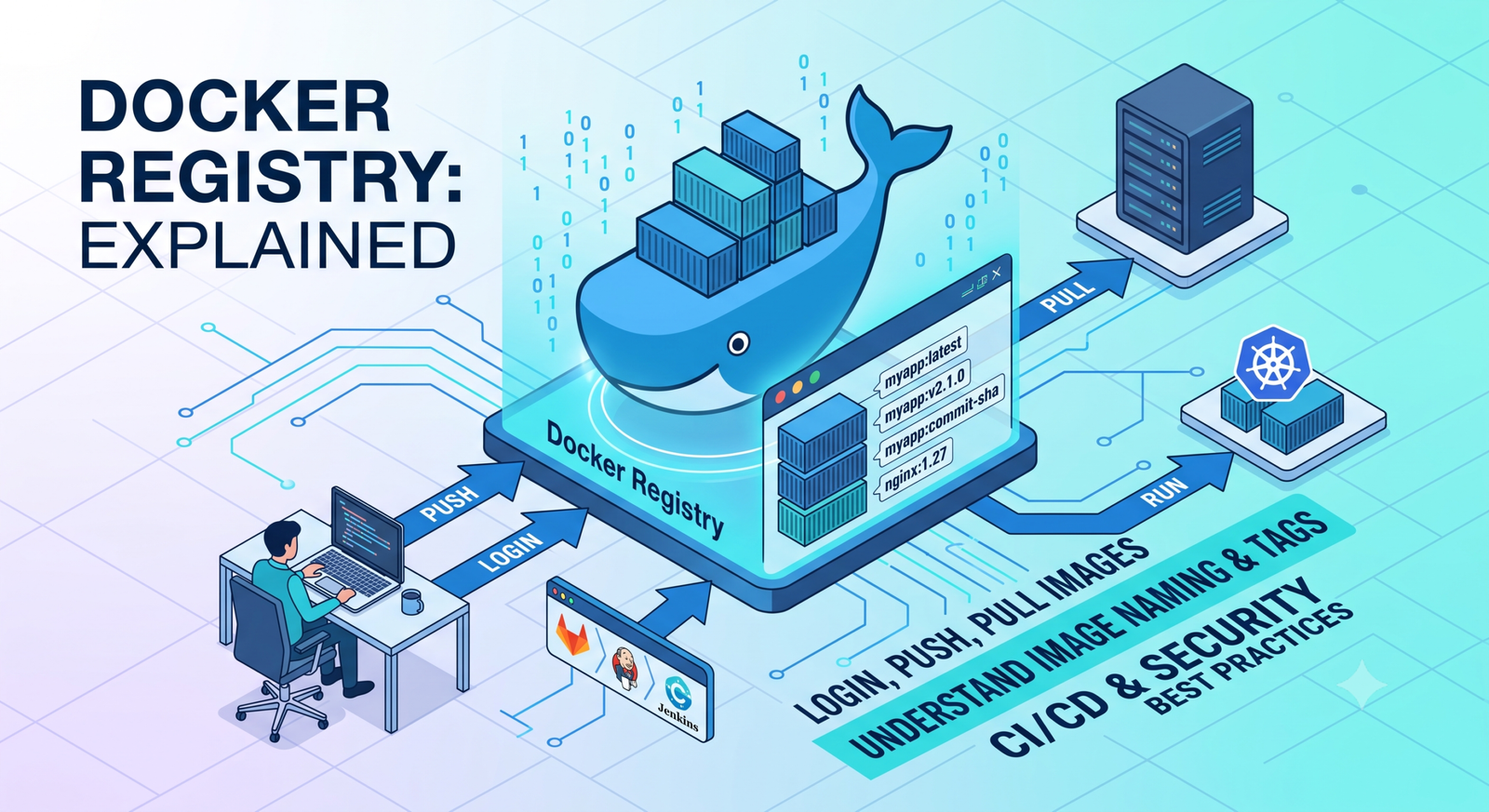
Learn Docker registries, image tags, Docker Hub, private registries, login, push, pull, naming rules, CI/CD us...
2 min read · Sep 17, 2026

Learn Docker environment variables and secrets, including docker run -e, env files, Compose environment, secre...
2 min read · Sep 17, 2026
Prepare for Docker interviews with practical questions and real-time scenarios covering images, containers, Do...
2 min read · Sep 17, 2026
Learn Docker security best practices for images, containers, users, secrets, registries, scanning, least privi...
2 min read · Sep 17, 2026Stay in the loop. Get new Melochip articles
Receive Melochip article updates when new articles are available. Explicit opt-in only.
No comments yet. Start the discussion.