



Join the discussion
0 CommentsAsk questions, add context, or share what worked.
More from Melochip Editorial

Playwright Testing: A Foundation Guide for Modern Web Application Testing
Learn what Playwright testing is, why modern QA teams use it, how testers can get started, and the major types...
7 min read · Sep 19, 2026
Kubernetes Deployments and ReplicaSets Explained: Scaling, Rolling Updates and Rollback
Learn how Kubernetes Deployments and ReplicaSets work with practical YAML, scaling, self-healing, rolling upda...
7 min read · Sep 17, 2026
Kubernetes Security Best Practices: RBAC, Secrets, Pods, Images and Network Policies
Learn Kubernetes security best practices with RBAC, Secrets, ServiceAccounts, Pod securityContext, NetworkPoli...
6 min read · Sep 17, 2026Related articles
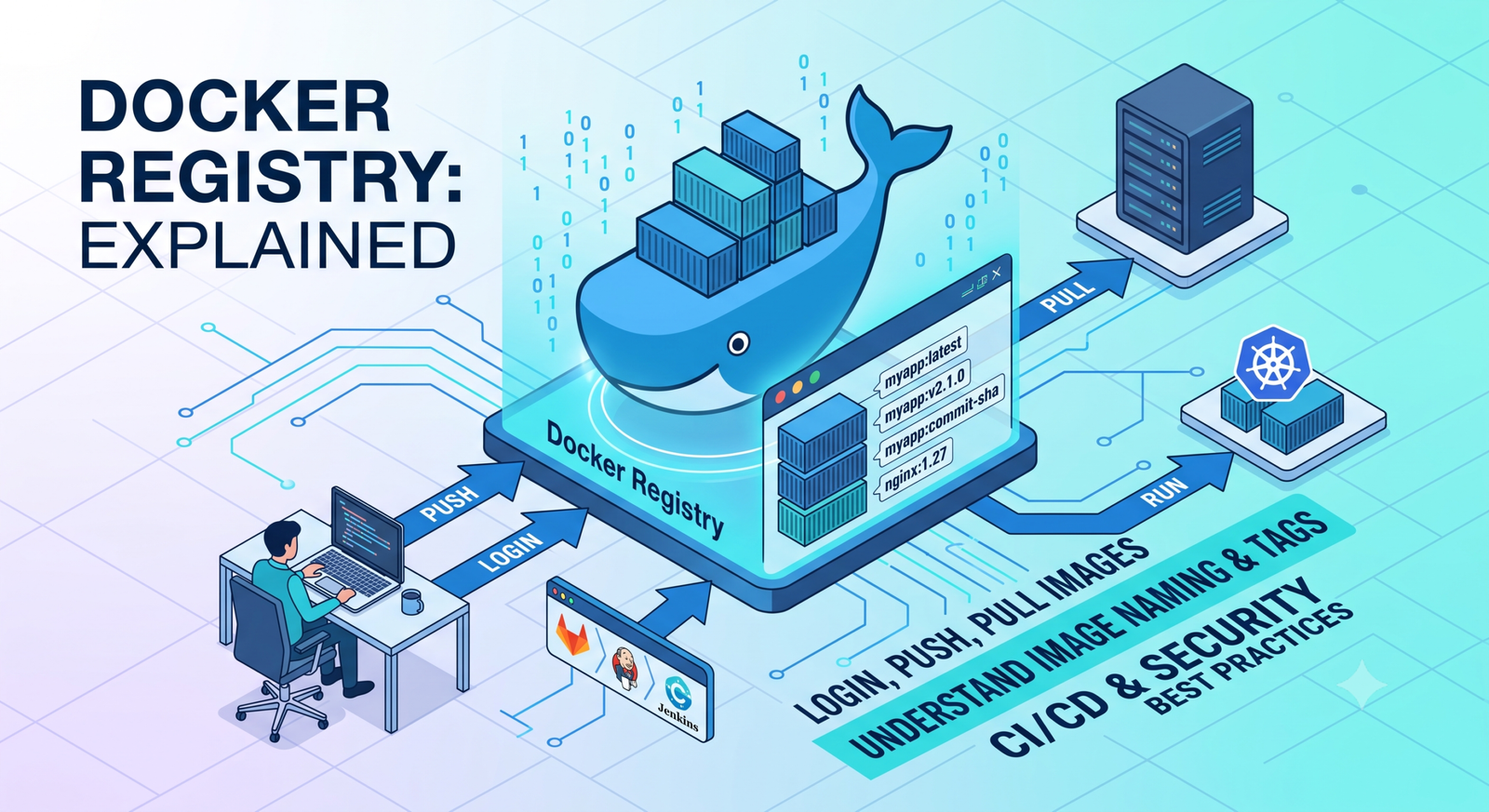
Docker Registry Explained: Tag, Login, Push and Pull Images
Learn Docker registries, image tags, Docker Hub, private registries, login, push, pull, naming rules, CI/CD us...
2 min read · Sep 17, 2026
Docker Environment Variables and Secrets Explained
Learn Docker environment variables and secrets, including docker run -e, env files, Compose environment, secre...
2 min read · Sep 17, 2026
Docker Interview Questions and Real-Time Scenarios for DevOps Engineers
Prepare for Docker interviews with practical questions and real-time scenarios covering images, containers, Do...
2 min read · Sep 17, 2026
Docker Security Best Practices: Images, Containers, Secrets and Registries
Learn Docker security best practices for images, containers, users, secrets, registries, scanning, least privi...
2 min read · Sep 17, 2026
No comments yet. Start the discussion.