

Docker Commands Explained
This practical Docker commands guide explains how to build images, run containers, check logs, execute commands inside containers, inspect resources, clean up unused objects, and troubleshoot common issues.
Basic command flow
docker pull nginx docker run -d --name web -p 8080:80 nginx docker ps docker logs web docker stop web docker rm web
Version and help
docker --version docker version docker info docker help
Image commands
docker images docker pull nginx:latest docker build -t myapp:1.0 . docker tag myapp:1.0 myregistry/myapp:1.0 docker push myregistry/myapp:1.0 docker rmi myapp:1.0
Container commands
docker run -d --name web -p 8080:80 nginx docker ps docker ps -a docker stop web docker start web docker restart web docker rm web
Run command examples
docker run nginx docker run -d nginx docker run --name web nginx docker run -p 8080:80 nginx docker run --rm alpine echo hello
Exec into a running container
docker exec -it web sh docker exec -it web bash docker exec web nginx -v
Use exec when you need to run a command inside an already running container.
Logs and inspect
docker logs web docker logs -f web docker inspect web docker inspect nginx:latest
Copy files
docker cp web:/etc/nginx/nginx.conf ./nginx.conf docker cp ./index.html web:/usr/share/nginx/html/index.html
Resource usage
docker stats docker system df
Cleanup commands
docker container prune docker image prune docker volume prune docker network prune docker system prune
Common mistakes
- Forgetting container names and relying only on container IDs.
- Using docker run repeatedly and creating many stopped containers.
- Removing volumes without checking stored data.
- Publishing ports incorrectly.
- Confusing image removal with container removal.
Best practices
- Name important containers.
- Use --rm for temporary test containers.
- Use versioned image tags.
- Check logs before restarting blindly.
- Use Compose for multi-container apps.
Related Melochip guides
- Docker Learning Path
- Install Docker
- What is Docker?
Official references
- Docker CLI reference
Join the discussion
0 CommentsAsk questions, add context, or share what worked.
More from Melochip Editorial

Learn what Playwright testing is, why modern QA teams use it, how testers can get started, and the major types...
7 min read · Sep 19, 2026

Learn how Kubernetes Deployments and ReplicaSets work with practical YAML, scaling, self-healing, rolling upda...
7 min read · Sep 17, 2026

Learn Kubernetes security best practices with RBAC, Secrets, ServiceAccounts, Pod securityContext, NetworkPoli...
6 min read · Sep 17, 2026Related articles

Learn Docker environment variables and secrets, including docker run -e, env files, Compose environment, secre...
2 min read · Sep 17, 2026
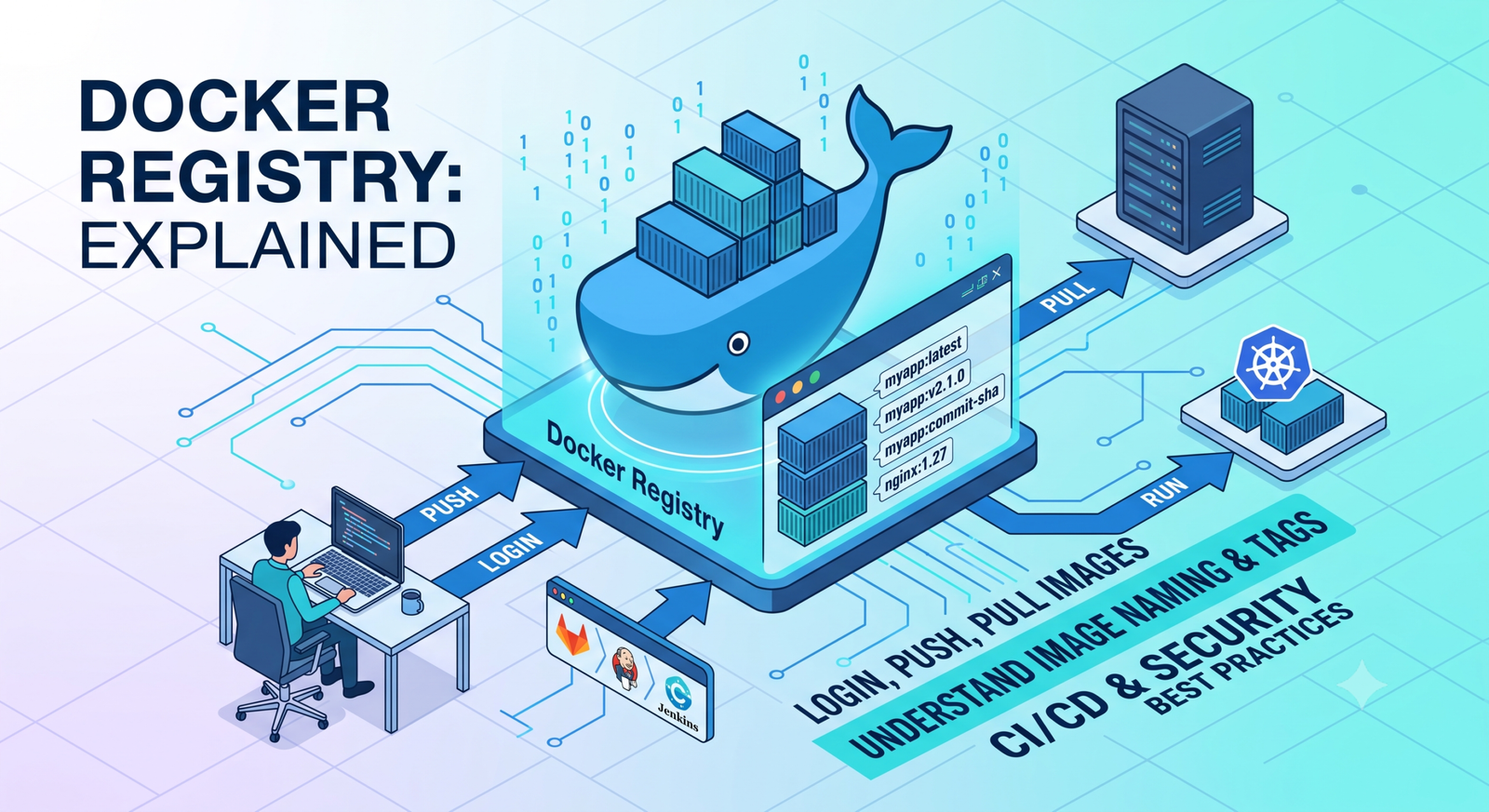
Learn Docker registries, image tags, Docker Hub, private registries, login, push, pull, naming rules, CI/CD us...
2 min read · Sep 17, 2026
Prepare for Docker interviews with practical questions and real-time scenarios covering images, containers, Do...
2 min read · Sep 17, 2026
Learn Docker security best practices for images, containers, users, secrets, registries, scanning, least privi...
2 min read · Sep 17, 2026Stay in the loop. Get new Melochip articles
Receive Melochip article updates when new articles are available. Explicit opt-in only.
No comments yet. Start the discussion.