

Docker Compose Beginner Guide
Docker Compose helps you define and run multi-container applications using a single YAML file. This guide explains services, ports, volumes, networks, environment variables, commands, and beginner examples.
What is Docker Compose?
Docker Compose lets you describe multiple services in a compose.yaml file and start them together with one command.
Basic compose.yaml
services: web: image: nginx:alpine ports: - "8080:80"
Run the app
docker compose up -d docker compose ps docker compose logs web docker compose down
App with database example
services: app: image: node:20-alpine working_dir: /app volumes: - .:/app command: sh -c "npm install && npm start" ports: - "3000:3000" environment: DATABASE_HOST: db depends_on: - db db: image: postgres:16 environment: POSTGRES_DB: appdb POSTGRES_USER: appuser POSTGRES_PASSWORD: example volumes: - db_data:/var/lib/postgresql/data volumes: db_data:
Important Compose concepts
- services define containers.
- ports publish container ports to the host.
- volumes persist data or mount local files.
- environment passes environment variables.
- depends_on controls startup order, not full readiness.
- Service names become DNS names inside the Compose network.
Useful commands
docker compose up docker compose up -d docker compose down docker compose logs -f docker compose ps docker compose exec app sh docker compose pull docker compose build
Common mistakes
- Thinking depends_on means the database is fully ready.
- Committing real passwords in compose files.
- Forgetting named volumes for database data.
- Using Compose production files without reviewing secrets and ports.
- Not checking logs when services fail.
Best practices
- Use Compose for local development and small environments.
- Use named volumes for database state.
- Use .env carefully and do not commit secret values.
- Keep service names clear.
- Use separate override files for local-only settings.
Related Melochip guides
- Docker Learning Path
- Docker Volumes Explained
- Docker Networks Explained
Official references
- Docker Compose documentation
- Compose file reference
Join the discussion
0 CommentsAsk questions, add context, or share what worked.
More from Melochip Editorial

Learn what Playwright testing is, why modern QA teams use it, how testers can get started, and the major types...
7 min read · Sep 19, 2026

Learn how Kubernetes Deployments and ReplicaSets work with practical YAML, scaling, self-healing, rolling upda...
7 min read · Sep 17, 2026

Learn Kubernetes security best practices with RBAC, Secrets, ServiceAccounts, Pod securityContext, NetworkPoli...
6 min read · Sep 17, 2026Related articles

Learn Docker environment variables and secrets, including docker run -e, env files, Compose environment, secre...
2 min read · Sep 17, 2026
Prepare for Docker interviews with practical questions and real-time scenarios covering images, containers, Do...
2 min read · Sep 17, 2026
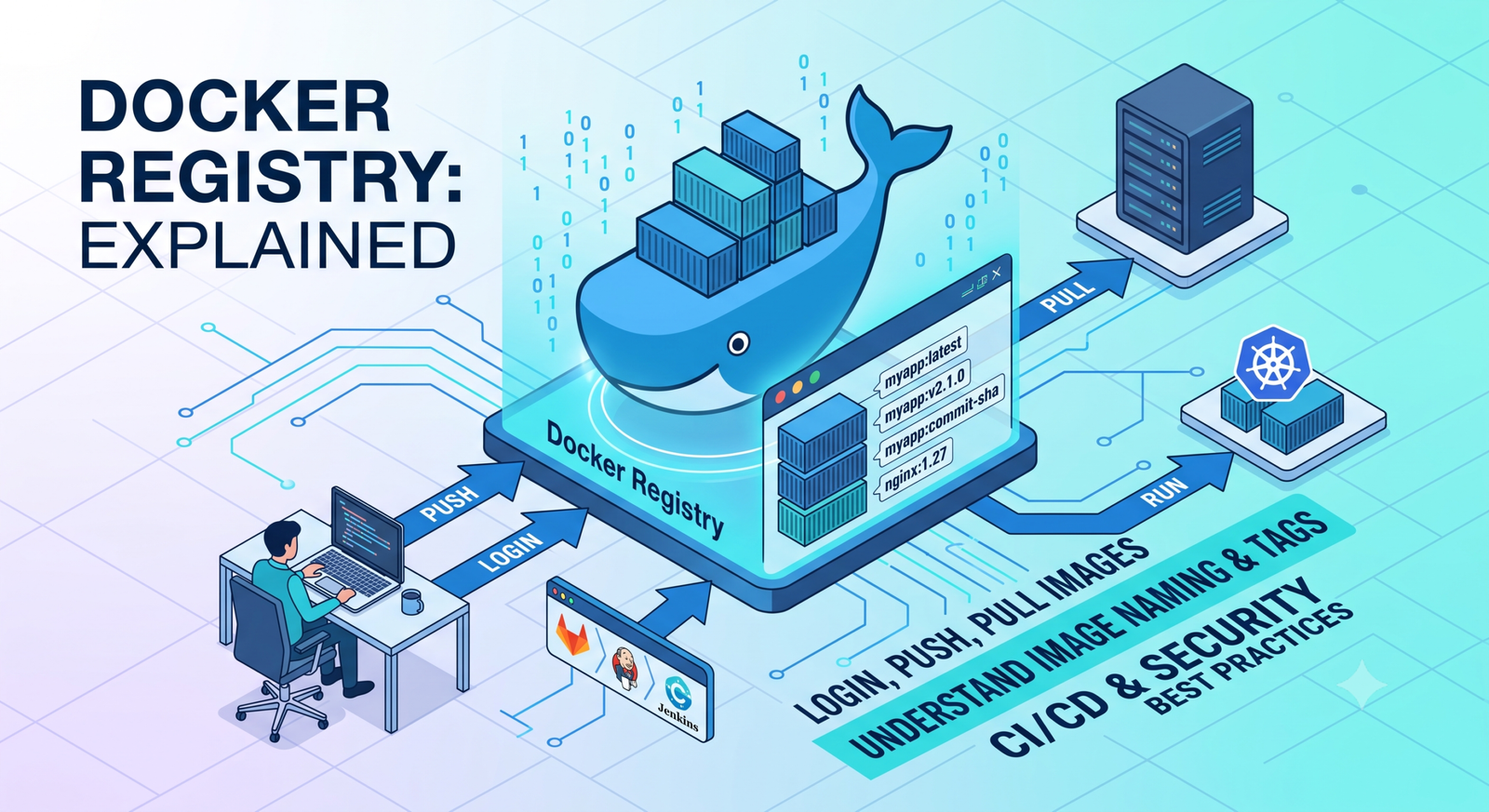
Learn Docker registries, image tags, Docker Hub, private registries, login, push, pull, naming rules, CI/CD us...
2 min read · Sep 17, 2026
Learn Docker security best practices for images, containers, users, secrets, registries, scanning, least privi...
2 min read · Sep 17, 2026Stay in the loop. Get new Melochip articles
Receive Melochip article updates when new articles are available. Explicit opt-in only.
No comments yet. Start the discussion.