Search articles, utilities, learning content, community Q&A, members, tags, and topics.
Start with
Search areas
Choose an area such as Articles, Utilities, Community Q&A, Learning, Members, or Tags & topics.
AzureAzureAzure Front DoorCDNCloudWeb Application Firewall
Article & Tutorial
Azure Front Door Standard and Premium Explained: CDN, WAF, Origins, Caching and Private Link
Learn Azure Front Door Standard and Premium with global Layer 7 routing, CDN caching, origins, origin groups, routes, WAF, custom domains, certificates, Private Link, troubleshooting and Classic migration guidance.
Azure Front Door configuration showing global routing, origins, CDN and web application firewallContents
Last reviewed: August 2026
Azure Front Door is Microsoft's global Layer 7 application delivery and cloud CDN service. It uses Microsoft's global edge network to accelerate web applications and APIs, route requests to healthy origins, cache static content close to users, and protect internet-facing applications with Web Application Firewall capabilities.
Important: Azure Front Door (Classic) retires on March 31, 2027. New deployments should use Azure Front Door Standard or Azure Front Door Premium.
What Azure Front Door does
Global HTTP/HTTPS routing
Dynamic site acceleration
CDN caching for static content
Health probes and origin failover
Path-based routing
Custom domains and TLS
Web Application Firewall integration
Rules engine for request/response behavior
Origin protection
Private Link to supported origins with Premium
Standard vs Premium
Tier
Best use
Front Door Standard
Global routing, acceleration, caching and standard WAF/custom rules for typical public web applications
Front Door Premium
Advanced WAF capabilities, managed rule sets, bot protection and Private Link origin connectivity
Core components
Profile
The Front Door profile is the top-level resource for Standard/Premium.
Endpoint
An endpoint provides the Front Door hostname that receives client traffic.
Origin
An origin is a backend target such as App Service, API Management, Storage, Application Gateway, a public IP/FQDN or another supported service.
Origin group
An origin group contains one or more origins and controls health probing, failover and load distribution between them.
Route
A route connects an endpoint and domain to an origin group. Routes can match URL patterns, redirect HTTP to HTTPS, enable caching, and apply rule sets.
Typical architecture
azure-front-door-architecture.txt
Users worldwide
      |
      v
Azure Front Door edge POP
      |
      +-- WAF / Rules / Cache
      |
      v
Origin Group
  |              |
  v              v
East US App   West Europe App
Health probes and failover
Front Door probes origins and routes traffic only to origins considered healthy. Origin groups can contain multiple backends so traffic can fail over when a regional application becomes unavailable.
Caching
Front Door can cache static assets such as images, JavaScript and CSS at edge locations. Configure caching intentionally and respect origin cache-control behavior. Do not cache user-specific or sensitive responses unless you fully understand the privacy and correctness implications.
Web Application Firewall
WAF policies protect public web applications against common application-layer attacks. Premium provides broader managed-rule and security capabilities. WAF should be combined with strong origin security rather than treated as the only control.
Private Link with Front Door Premium
Front Door Premium can connect privately to supported Azure origins using Azure Private Link. This reduces direct public exposure of the origin and helps ensure traffic reaches the backend through controlled private connectivity.
Custom domains and HTTPS
Attach a custom domain to the Front Door endpoint and configure HTTPS using a supported managed certificate or your own certificate according to the tier and current certificate requirements. Verify domain ownership and DNS before enabling production traffic.
Create Azure Front Door Standard/Premium in the portal
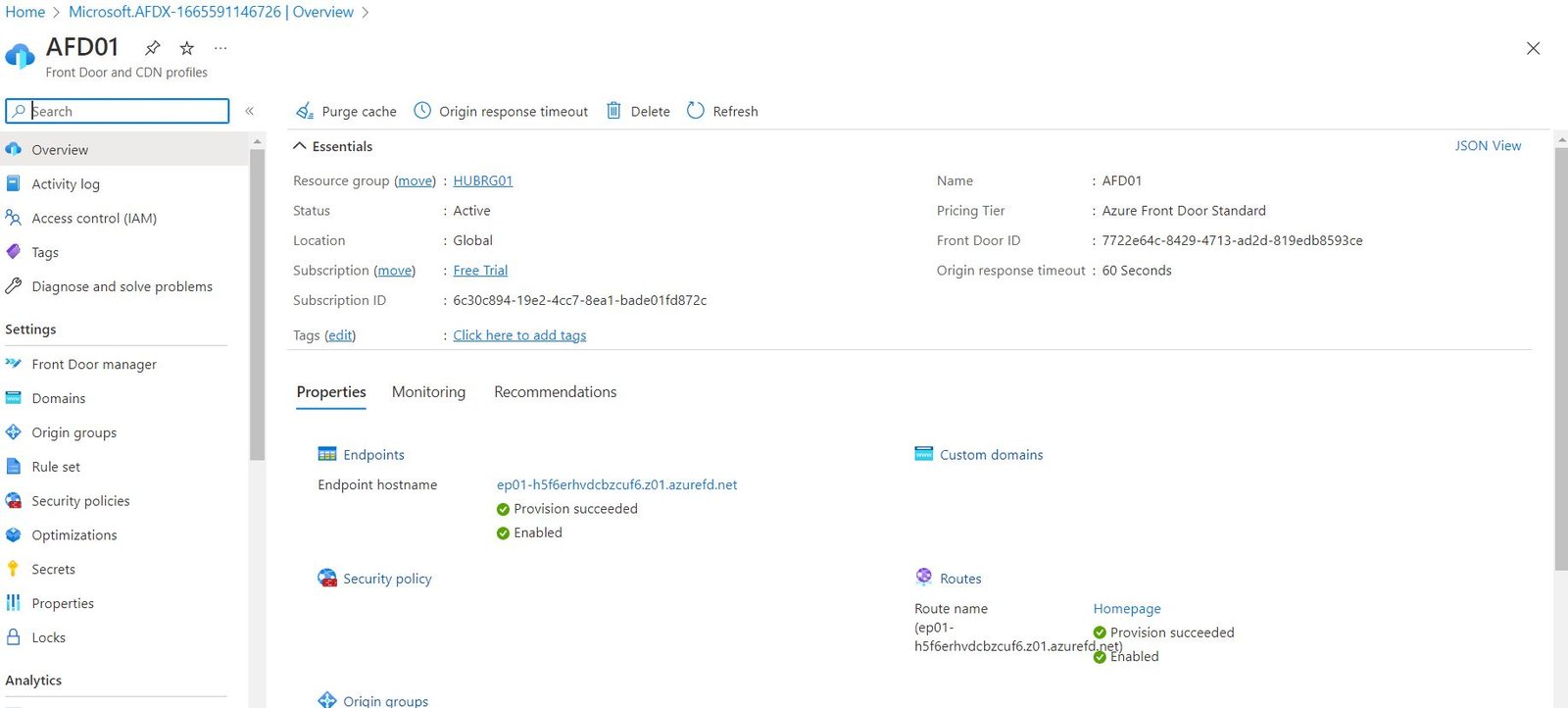
Open Azure portal → Front Door and CDN profiles → Create.
Select Front Door Standard or Premium.
Create the Front Door profile.
Create an endpoint.
Create an origin group.
Add one or more origins.
Configure health probes.
Create a route and associate URL patterns.
Enable HTTPS redirection if needed.
Enable caching for appropriate content.
Associate a WAF policy where required.
Add a custom domain and validate DNS.
For Premium, enable Private Link for supported origins where appropriate.
Azure CLI example
Front Door Standard/Premium resources use the Microsoft.Cdn resource model. A typical automation flow creates the profile, endpoint, origin group, origin and route.
azure-front-door.sh
RG=melochip-frontdoor-rg
PROFILE=melochip-frontdoor
ENDPOINT=melochip-edge

az group create --name $RG --location eastus

az afd profile create \
  --resource-group $RG \
  --profile-name $PROFILE \
  --sku Standard_AzureFrontDoor

az afd endpoint create \
  --resource-group $RG \
  --profile-name $PROFILE \
  --endpoint-name $ENDPOINT \
  --enabled-state Enabled
Then add the origin group, origin and route for your specific backend design.
Front Door vs Application Gateway vs Traffic Manager
Service
Scope / Layer
Best use
Front Door
Global Layer 7 edge
Global web routing, acceleration, CDN and WAF
Application Gateway
Regional Layer 7
Regional HTTP/HTTPS routing, TLS and WAF
Traffic Manager
Global DNS
DNS-based endpoint steering and failover
Azure Load Balancer
Regional Layer 4
TCP/UDP transport load balancing
Front Door Classic migration
Front Door Classic retires on March 31, 2027. Existing Classic deployments should be migrated to Standard or Premium before the retirement date. Standard/Premium use the newer Microsoft.Cdn resource provider model.
Common troubleshooting
Origin unhealthy: verify health probe path, protocol, host header, firewall and backend response.
404 from origin: check route patterns, origin host header and backend custom-domain configuration.
Cached content is stale: inspect cache-control headers, route caching settings and purge requirements.









No comments yet. Start the discussion.