

What is Docker?
Docker is a container platform that helps developers package an application with its dependencies and run it consistently across laptops, servers, CI/CD systems, and cloud environments.
Animated explanation: Docker in one flow
Quick answer
Docker image
A read-only package that contains application code, runtime, libraries, and dependencies.
Docker container
A running instance of an image. It is isolated but shares the host operating system kernel.
Dockerfile
A text file containing instructions to build a Docker image.
Why Docker is useful
Without Docker, applications often work on one machine but fail on another because of different versions, missing libraries, different operating system packages, or environment configuration. Docker reduces this issue by packaging the application and its runtime requirements together.
Simple real-world example
Imagine a Node.js application that needs Node 20, npm packages, environment variables, and port 3000. Instead of installing everything manually on every server, you build one image and run it anywhere Docker is available.
docker run hello-world
The above command downloads a test image and runs a container. It is the simplest way to verify Docker works.
Docker vs Virtual Machine
- Area — Docker Container — Virtual Machine
- Startup — Usually fast — Usually slower
- Size — Smaller — Larger
- Isolation — Process-level — Full OS-level
- Use case — Apps and services — Full OS environments
Basic Docker workflow
- Write application code.
- Create a Dockerfile.
- Build an image using docker build .
- Run a container using docker run .
- Push the image to a registry if it should be shared.
- Deploy the image using Docker, Compose, Kubernetes, or CI/CD.
Important commands
docker --version docker pull nginx docker run -d -p 8080:80 nginx docker ps docker logs CONTAINER_ID docker stop CONTAINER_ID
Common mistakes
- Thinking a container is a full virtual machine.
- Putting secrets inside Docker images.
- Using only the latest tag for production images.
- Not understanding volumes before running databases.
- Opening container ports without checking security.
Best practices
- Use small official base images where possible.
- Keep Dockerfiles readable.
- Use environment variables for runtime configuration.
- Use volumes for persistent data.
- Use custom networks for multi-container apps.
- Use CI/CD to build and scan images.
Related Melochip guides
- Docker Learning Path
- GitLab CI/CD Docker Build Pipeline
- Kubernetes Cluster Setup Guide
Official references
- Docker Get Started documentation
- Docker Engine documentation
Join the discussion
0 CommentsAsk questions, add context, or share what worked.
More from Melochip Editorial

Learn what Playwright testing is, why modern QA teams use it, how testers can get started, and the major types...
7 min read · Sep 19, 2026

Learn how Kubernetes Deployments and ReplicaSets work with practical YAML, scaling, self-healing, rolling upda...
7 min read · Sep 17, 2026

Learn Kubernetes security best practices with RBAC, Secrets, ServiceAccounts, Pod securityContext, NetworkPoli...
6 min read · Sep 17, 2026Related articles

Learn Docker environment variables and secrets, including docker run -e, env files, Compose environment, secre...
2 min read · Sep 17, 2026
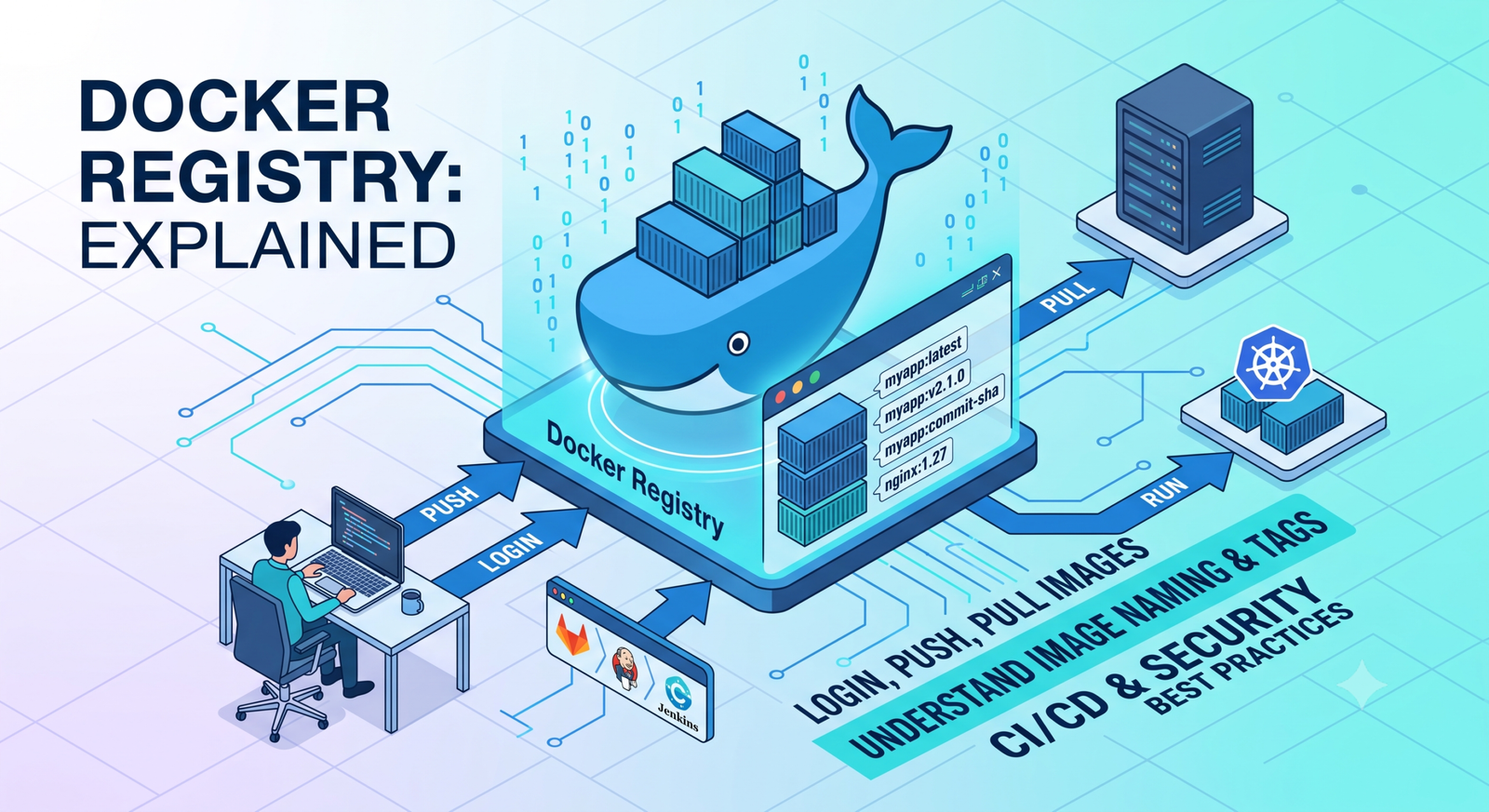
Learn Docker registries, image tags, Docker Hub, private registries, login, push, pull, naming rules, CI/CD us...
2 min read · Sep 17, 2026
Prepare for Docker interviews with practical questions and real-time scenarios covering images, containers, Do...
2 min read · Sep 17, 2026
Learn Docker security best practices for images, containers, users, secrets, registries, scanning, least privi...
2 min read · Sep 17, 2026Stay in the loop. Get new Melochip articles
Receive Melochip article updates when new articles are available. Explicit opt-in only.
No comments yet. Start the discussion.