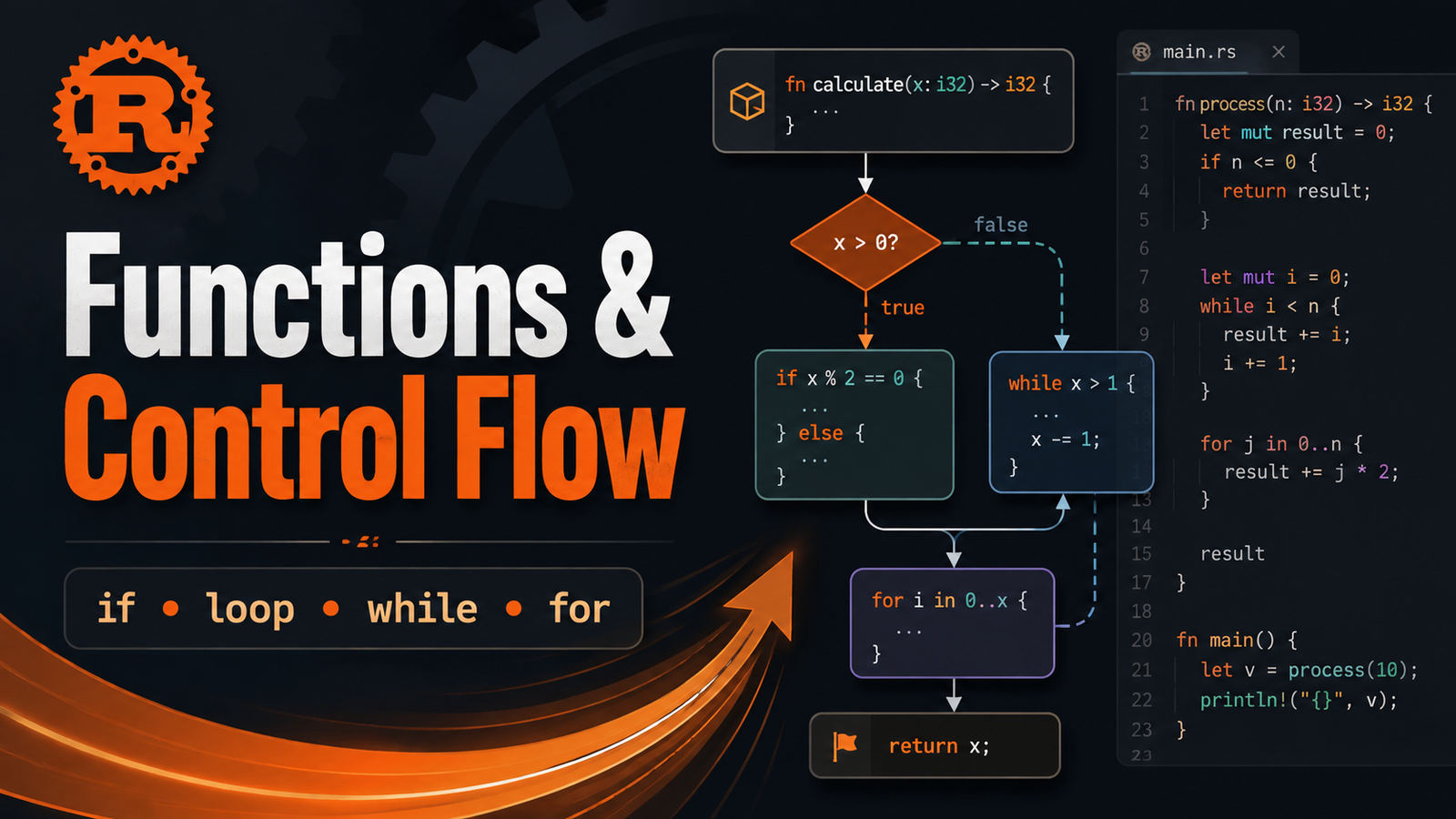
Rust Control FlowFunctionsLoopsRust

Article & Tutorial

Rust Functions and Control Flow: if, loop, while, for, break and continue

Learn Rust functions, parameters, return values, expressions, if/else, loop, while, for, ranges, break, continue and practical control-flow patterns with examples.

Rust Functions and Control Flow: if, loop, while, for, break and continue article illustration
Contents

Rust Learning Path — Chapter 5. Functions and control flow are the building blocks that turn simple expressions into real programs. This chapter covers function definitions, parameters, return values, if, loop, while, for, ranges, break, continue, labels and practical patterns.

1. Define a function

bash
fn greet() { println!("Hello from Rust!"); } fn main() { greet(); }

Functions are declared with fn. Rust convention uses snake_case names.

2. Function parameters

Parameter types must be declared.

bash
fn greet(name: &str) { println!("Hello, {name}!"); } fn main() { greet("Kaushik"); }

3. Multiple parameters

bash
fn connect(host: &str, port: u16) { println!("Connecting to {host}:{port}"); }

4. Return values

Use -> to declare the return type.

bash
fn add(a: i32, b: i32) -> i32 { a + b } fn main() { let result = add(20, 22); println!("{result}"); }

The final expression has no semicolon because its value becomes the function result.

Explicit return

bash
fn absolute(value: i32) -> i32 { if value < 0 { return -value; } value }

return is especially useful for early exits. Idiomatic Rust often uses a final expression for the normal return path.

5. if expressions

bash
fn main() { let temperature = 30; if temperature > 35 { println!("Very hot"); } else if temperature > 25 { println!("Warm"); } else { println!("Cool"); } }

The condition must evaluate to bool. Rust does not treat arbitrary integers as Boolean conditions.

6. Assign a value using if

Because if is an expression, it can produce a value.

bash
let environment = "prod"; let port = if environment == "prod" { 443 } else { 8080 }; println!("Port: {port}");

Both branches must produce compatible types.

7. Infinite loops with loop

bash
fn main() { let mut counter = 0; loop { counter += 1; println!("counter={counter}"); if counter == 3 { break; } } }

8. Return a value from loop

bash
fn main() { let mut counter = 0; let result = loop { counter += 1; if counter == 10 { break counter * 2; } }; println!("result={result}"); }

Here, break counter * 2 ends the loop and supplies its value.

9. while loops

bash
fn main() { let mut retries = 3; while retries > 0 { println!("Retries remaining: {retries}"); retries -= 1; } }

Use while when repetition depends on a condition.

10. for loops

bash
fn main() { let ports = [80, 443, 8080]; for port in ports { println!("Checking port {port}"); } }

for is generally the clearest way to iterate over collections and ranges.

11. Ranges

bash
for number in 1..5 { println!("{number}"); }

1..5 includes 1, 2, 3 and 4 but excludes 5.

bash
for number in 1..=5 { println!("{number}"); }

1..=5 includes 5.

Reverse a range

bash
for number in (1..=5).rev() { println!("{number}"); }

12. continue

bash
for number in 1..=10 { if number % 2 != 0 { continue; } println!("Even: {number}"); }

continue skips the remainder of the current iteration and proceeds to the next one.

13. Nested loops and labels

bash
fn main() { 'outer: for x in 1..=3 { for y in 1..=3 { println!("x={x}, y={y}"); if x == 2 && y == 2 { break 'outer; } } } }

Loop labels let you explicitly break or continue an outer loop.

14. Function scope

bash
fn calculate() { let local_value = 42; println!("{local_value}"); } fn main() { calculate(); // println!("{local_value}"); // not visible here }

15. Practical example: retry logic

bash
fn should_retry(attempt: u8, max_retries: u8) -> bool { attempt < max_retries } fn main() { let max_retries = 3; let mut attempt = 0; loop { attempt += 1; println!("Attempt {attempt}"); let success = attempt == 2; if success { println!("Operation succeeded"); break; } if !should_retry(attempt, max_retries) { println!("No retries remaining"); break; } } }

16. Practical example: classify HTTP status

bash
fn status_group(code: u16) -> &'static str { if code >= 200 && code < 300 { "success" } else if code >= 400 && code < 500 { "client error" } else if code >= 500 { "server error" } else { "other" } } fn main() { for code in [200, 404, 503] { println!("{code}: {}", status_group(code)); } }

17. Expressions inside functions

bash
fn double(value: i32) -> i32 { value * 2 }

This is equivalent in behavior to:

bash
fn double(value: i32) -> i32 { return value * 2; }

The expression style is common in Rust because many constructs—including if, match and blocks—can produce values.

18. Common beginner errors

Missing parameter type

bash
// fn greet(name) { } fn greet(name: &str) { }

Return type mismatch

bash
fn number() -> i32 { 42 }

If the function promises i32, every reachable return path must satisfy that contract.

Different if branch types

bash
// let value = if true { 10 } else { "ten" };

The branches must have compatible types when the expression's value is used.

Accidental infinite loop

A loop without a reachable break runs indefinitely unless the program exits another way. Use it intentionally.

19. Mini lab: service health evaluator

Build a program that:

  1. Defines is_healthy(status_code: u16) -> bool .
  2. Loops over [200, 201, 404, 500] .
  3. Uses if to display healthy or unhealthy.
  4. Counts healthy responses.
  5. Stops early if status 500 is found.
  6. Prints the final count.

Example solution

bash
fn is_healthy(status_code: u16) -> bool { status_code >= 200 && status_code < 300 } fn main() { let statuses = [200, 201, 404, 500]; let mut healthy_count = 0; for status in statuses { if status == 500 { println!("Critical server error found. Stopping."); break; } if is_healthy(status) { healthy_count += 1; println!("{status}: healthy"); } else { println!("{status}: unhealthy"); } } println!("Healthy responses: {healthy_count}"); }

20. Recommended practice workflow

bash
cargo fmt cargo check cargo clippy cargo test cargo run

Quick cheat sheet

bash
fn add(a: i32, b: i32) -> i32 { a + b } let value = if condition { 1 } else { 0 }; loop { break; } while condition { // repeat } for item in items { // use item } for n in 1..=5 { if n == 3 { continue; } }

Official references

  • The Rust Programming Language — Functions
  • The Rust Programming Language — Control Flow

Next: Chapter 6 — Ownership Explained: stack, heap, moves, copies and clones.

Did this help?

Yes No

Join the discussion

0 Comments

Ask questions, add context, or share what worked.

Sign in to join the discussion

No comments yet. Start the discussion.

More from Melochip Editorial

Related articles

Stay in the loop. Get new Melochip articles

Receive Melochip article updates when new articles are available. Explicit opt-in only.

No pre-checked boxes. Unsubscribe support is part of the subscriber foundation.