Search articles, utilities, learning content, community Q&A, members, tags, and topics.
Start with
Search areas
Choose an area such as Articles, Utilities, Community Q&A, Learning, Members, or Tags & topics.
RustCI/CDDeploymentInterview PreparationRust
Article & Tutorial
Rust CI/CD, Deployment, Capstone Projects and Interview Scenarios
Complete the Rust learning path with CI/CD pipelines, production builds, Docker/systemd deployment, release checks, capstone projects and interview scenarios.
Rust CI/CD, Deployment, Capstone Projects and Interview Scenarios article illustrationContents
Rust Learning Path — Chapter 30. This final chapter connects everything you learned into a production workflow: validate code, build repeatable artifacts, deploy safely, observe the service, and practice with capstone projects and interview scenarios.
Pin and review third-party actions according to your organization's supply-chain policy.
3. Cache builds carefully
CI caching can significantly reduce Rust compile time, especially for large dependency graphs. Cache Cargo registries and build artifacts with keys that include relevant lockfile/toolchain information. Never cache secrets.
4. Build once, deploy the artifact
A strong deployment model creates one reviewed release artifact and promotes that artifact through environments. Avoid rebuilding different binaries separately for staging and production unless the build itself must differ.
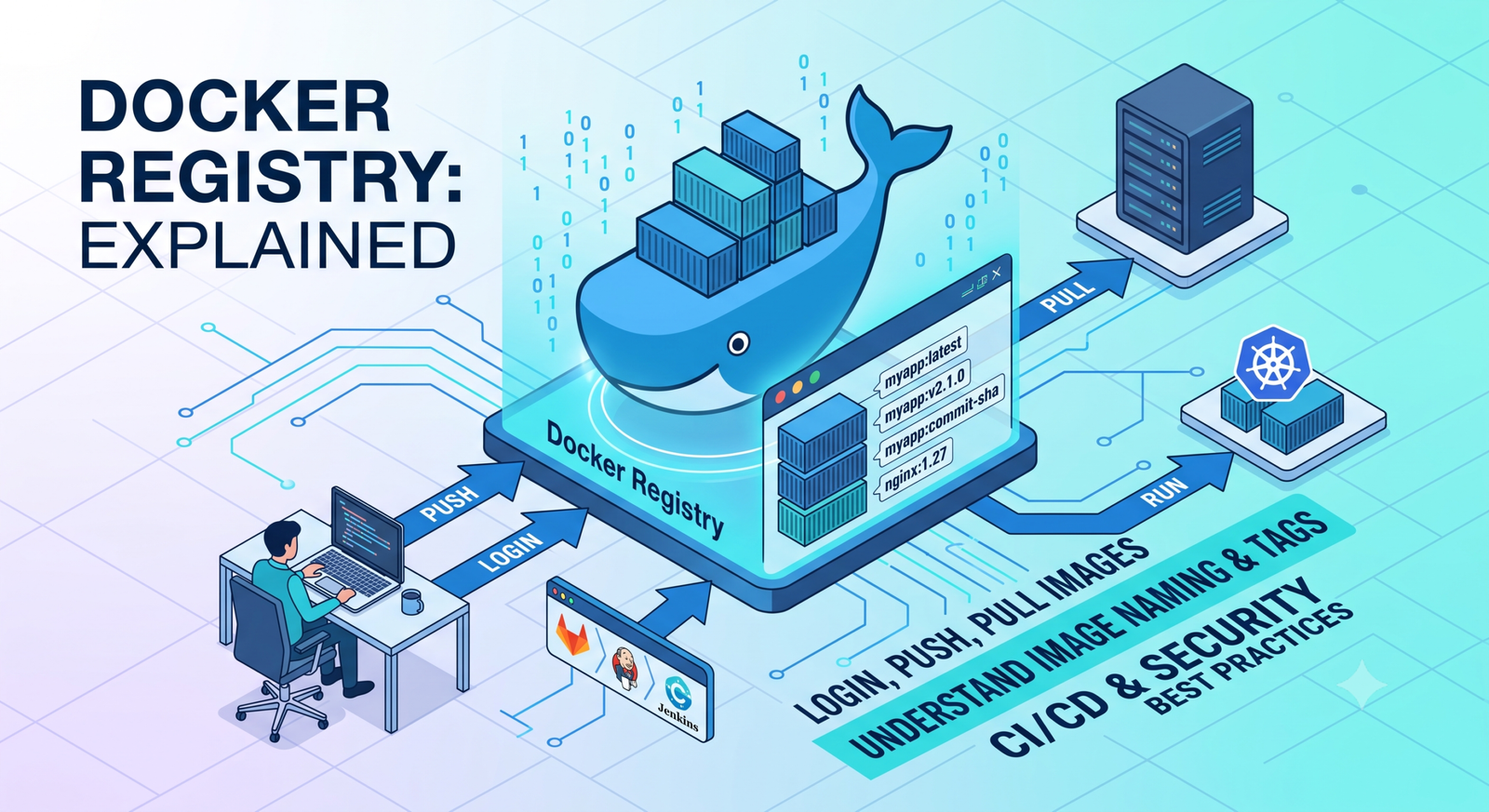
5. Docker example
bash
FROM rust:slim AS builder WORKDIR /app COPY . . RUN cargo build --release FROM debian:bookworm-slim WORKDIR /app COPY --from=builder /app/target/release/my-api /usr/local/bin/my-api USER 10001 EXPOSE 8080 CMD ["my-api"]
Production images should contain only what the runtime actually needs. Use a non-root user and keep secrets outside the image.
Pair systemd with a reverse proxy such as Nginx when you need TLS termination, request limits, routing or centralized access logging.
7. Health checks
Expose separate liveness and readiness semantics. A deployment system can keep an instance out of traffic until startup checks and dependencies are ready.
8. Database migrations in deployment
Decide who owns migrations. Common patterns include a dedicated migration job before rollout or an explicit deployment step. Avoid every replica trying to apply schema changes simultaneously.
9. Graceful shutdown
When a deployment replaces a process, stop accepting new requests, finish in-flight work where possible, close queues/connections and then exit before the termination grace period expires.
10. Deployment strategies
Rolling: replace instances gradually.
Blue/green: prepare a complete new environment and switch traffic.
Canary: send a small percentage of traffic to the new version before wider rollout.
The right choice depends on platform, risk and rollback requirements.
11. Secrets and environment configuration
Keep environment-specific configuration outside the binary where appropriate. Do not put production passwords, signing keys or tokens in GitHub workflow files, Dockerfiles or repository history.
12. Observability during rollout
Track deployment version alongside request logs and metrics. Watch error rate, latency, saturation and business-level signals after each release. A rollback decision should be based on evidence.
13. Capstone Project 1 — CLI operations tool
Build a CLI with subcommands, structured configuration, file parsing, error handling and tests. Suggested features:
status , validate and convert commands;
JSON output feature flag;
unit and integration tests;
cross-platform release builds.
14. Capstone Project 2 — Production REST API
Build an Axum + SQLx + PostgreSQL service with:
health/readiness endpoints;
user CRUD;
authentication and RBAC;
request IDs and tracing;
migrations and transactions;
rate limiting and validation;
integration tests;
Docker or systemd deployment.
15. Capstone Project 3 — Concurrent worker service
Create a background job processor using Tokio channels, bounded concurrency, retries and graceful shutdown. Record job latency and success/failure metrics.
16. Interview scenario: ownership
Question: Why does assigning one String variable to another usually invalidate the first variable?
Answer: Ownership moves so Rust can prevent two owners from attempting to free the same heap allocation. Use borrowing when another function only needs temporary access, or clone when an independent owned copy is genuinely required.
17. Interview scenario: borrowing
Question: Why can Rust allow many immutable references but restrict simultaneous mutable references?
Answer: Multiple readers cannot mutate the value, while exclusive mutable access prevents unsynchronized read/write or write/write aliasing.
18. Interview scenario: async
Question: When would you prefer async Rust over spawning an OS thread per request?
Answer: Async is well suited to large numbers of I/O-bound tasks that frequently wait on sockets, databases or timers. CPU-bound parallel computation may be clearer with threads or a dedicated parallel compute pool.
19. Interview scenario: Arc
Question: What problems does Arc solve?
Answer:Arc provides thread-safe shared ownership; Mutex serializes mutable access. It is useful when multiple threads truly need shared mutable state, but message passing or ownership partitioning may reduce contention.
20. Interview scenario: production API
Question: What would you add before putting an Axum API into production?
After completing this path, specialize according to your goal: backend engineering with Axum/Tokio/SQLx; embedded systems with no_std; WebAssembly; networking; databases; cryptography; operating systems; developer tools; or distributed systems.
Rust Learning Path complete
You have now covered the Rust toolchain, syntax, ownership, borrowing, collections, error handling, generics, traits, lifetimes, project organization, testing, concurrency, async programming, backend APIs, PostgreSQL, security, observability, performance and systems programming.







No comments yet. Start the discussion.