
Terraform Cloud EngineeringDevOps AutomationInfrastructure as CodeTerraform

Article & Tutorial

Infrastructure as Code with Terraform: Core IaC Concepts

Understand Infrastructure as Code with Terraform, including providers, resources, state, plan and apply, modules, team workflows, security, and safe automation.

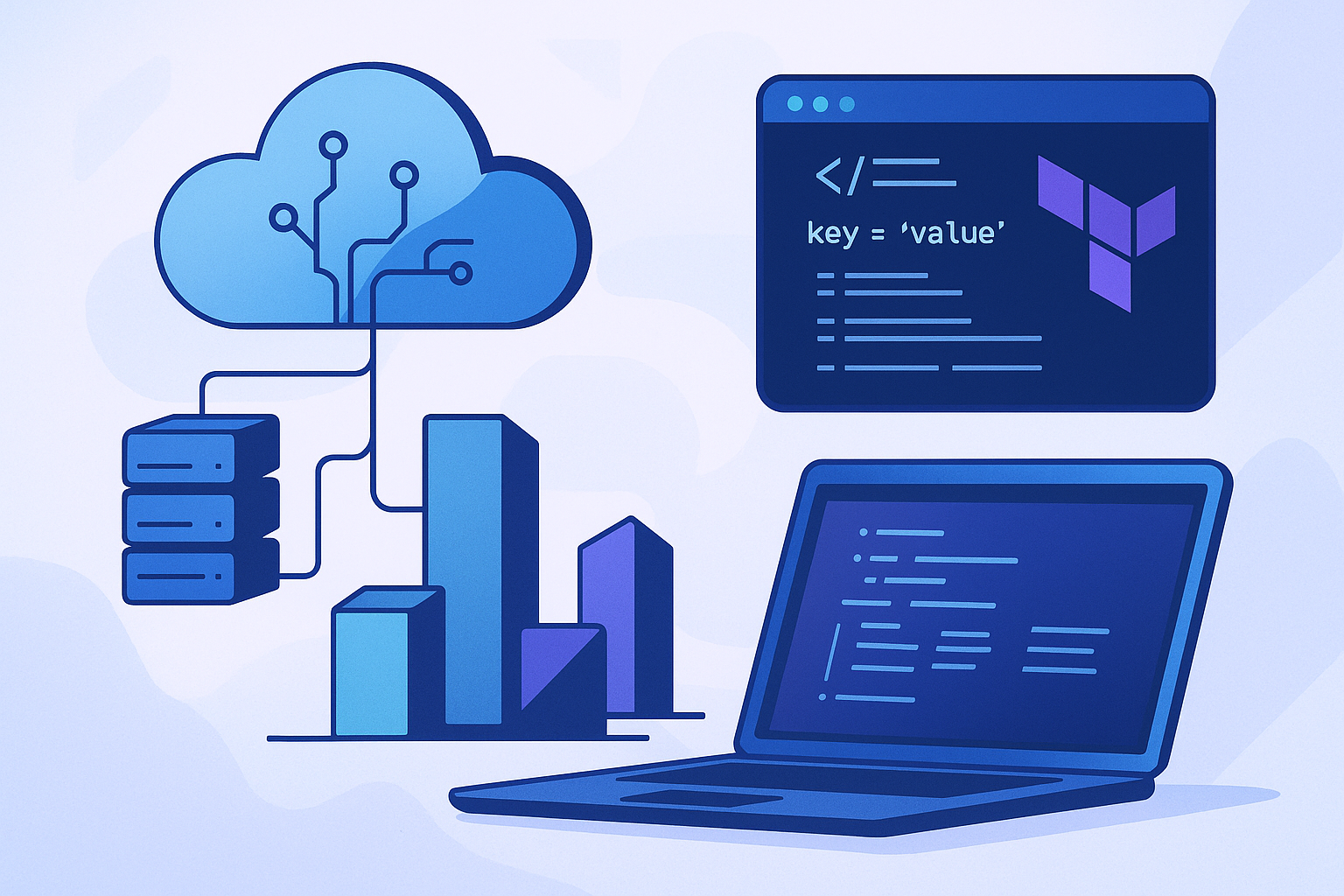
Terraform infrastructure as code workflow across cloud resources
Contents

Infrastructure as Code (IaC) describes infrastructure in version-controlled files instead of relying on manual console changes. Terraform evaluates the configuration, compares it with recorded state and provider data, and proposes actions that move real resources toward the declared result.

Why IaC changes operations

  • Environments can be recreated consistently.
  • Changes can be reviewed through version control.
  • Plans provide a preview before modification.
  • Automation reduces repetitive manual work.
  • History supports audit and rollback decisions.

Core Terraform concepts

ConceptRole
ProviderConnects Terraform to a platform API
ResourceDeclares an object Terraform manages
Data sourceReads information without creating the object
StateMaps configuration addresses to real infrastructure
ModulePackages reusable configuration
PlanShows proposed changes before apply

The standard workflow

  1. Write or update configuration files.
  2. Initialize the working directory and required providers.
  3. Format and validate the configuration.
  4. Create a plan and review additions, changes, replacements, and deletions.
  5. Apply only an approved plan.
  6. Commit the configuration change and record operational context.

State is operationally sensitive

Terraform state can contain resource identifiers and sensitive values. Teams should store it in an approved remote backend with encryption, access control, locking, and recovery. Do not edit state files casually or commit local state to a public repository.

Modules and environments

Use modules to encode a stable interface for repeatable infrastructure. Keep environment-specific values separate from reusable logic. Favor small modules with clear inputs and outputs over a single module that attempts to control an entire organization.

Safe team automation

  • Pin provider and module versions deliberately.
  • Run formatting, validation, policy, and security checks in CI.
  • Require review for production plans.
  • Use short-lived workload identities instead of static cloud keys.
  • Apply through one controlled path to reduce concurrent changes.
  • Detect configuration drift and resolve it intentionally.

Common mistakes

Typical problems include broad permissions, unreviewed destructive plans, secrets in variables or output, missing state locking, manual changes outside Terraform, and modules that hide risky defaults. Treat the plan as a change record, not a formality.

A practical first project

Start with a low-risk resource in a disposable environment. Declare provider requirements, create the resource, inspect the plan, apply it, change one property, and finally destroy it. This small lifecycle demonstrates how configuration, state, planning, and provider APIs work together.

Terraform core workflow

Did this help?

Yes No

Join the discussion

0 Comments

Ask questions, add context, or share what worked.

Sign in to join the discussion

No comments yet. Start the discussion.

More from Melochip Editorial

Related articles

Stay in the loop. Get new Melochip articles

Receive Melochip article updates when new articles are available. Explicit opt-in only.

No pre-checked boxes. Unsubscribe support is part of the subscriber foundation.




