

The .gitlab-ci.yml file describes the jobs that make up a GitLab pipeline. YAML structure matters: indentation uses spaces, lists use ordered entries, and duplicate or misplaced keys can change behavior or make the configuration invalid.
Global and job-level configuration
| Scope | Common purpose |
|---|---|
| Global | Default image, stages, variables, workflow, includes |
| Job | Script, stage, rules, needs, artifacts, cache, environment, services |
Essential keywords
- stages defines the ordered phase names.
- script lists the commands a job executes.
- image selects the container image for compatible executors.
- variables provides non-secret configuration values or references.
- rules controls when a job is included and how it behaves.
- needs creates explicit job dependencies and can shorten pipeline duration.
- artifacts preserves outputs and reports.
- cache reuses safe dependency data across jobs or pipelines.
- environment records deployment targets and URLs.
Stages and dependencies
Without explicit needs relationships, jobs typically follow stage ordering. Use needs when a job can start as soon as its required upstream jobs finish. Keep dependency graphs understandable; aggressive parallelism can make failures and resource contention harder to diagnose.
Reusable configuration
Reduce duplication with defaults, YAML anchors where appropriate, extends, and included configuration. Pin external includes to a reviewed reference. Reuse should make policy clearer, not hide important execution or permission behavior.
Validate before committing
- Check YAML indentation and data types.
- Use GitLab CI Lint or pipeline-editor validation.
- Inspect the merged configuration when includes are used.
- Confirm rule outcomes for branches, tags, merge requests, and schedules.
- Review resolved variables without exposing secret values.
- Run the change on a non-production branch and trusted runner.
Common mistakes
| Mistake | Result |
|---|---|
| Tabs or inconsistent indentation | Invalid or unexpected YAML structure |
| Secret value in the file | Credential exposure in repository history |
| Broad catch-all rules | Duplicate or unintended pipelines |
| Unpinned external include | Behavior changes without repository review |
| Artifact used as cache | Unnecessary storage and incorrect dependency flow |
Treat pipeline YAML as production code: review it, validate it, test it under multiple pipeline sources, and restrict who can change deployment or security-sensitive sections.
Join the discussion
0 CommentsAsk questions, add context, or share what worked.
More from Melochip Editorial

Learn what Playwright testing is, why modern QA teams use it, how testers can get started, and the major types...
7 min read · Sep 19, 2026

Learn how Kubernetes Deployments and ReplicaSets work with practical YAML, scaling, self-healing, rolling upda...
7 min read · Sep 17, 2026

Learn Kubernetes security best practices with RBAC, Secrets, ServiceAccounts, Pod securityContext, NetworkPoli...
6 min read · Sep 17, 2026Related articles
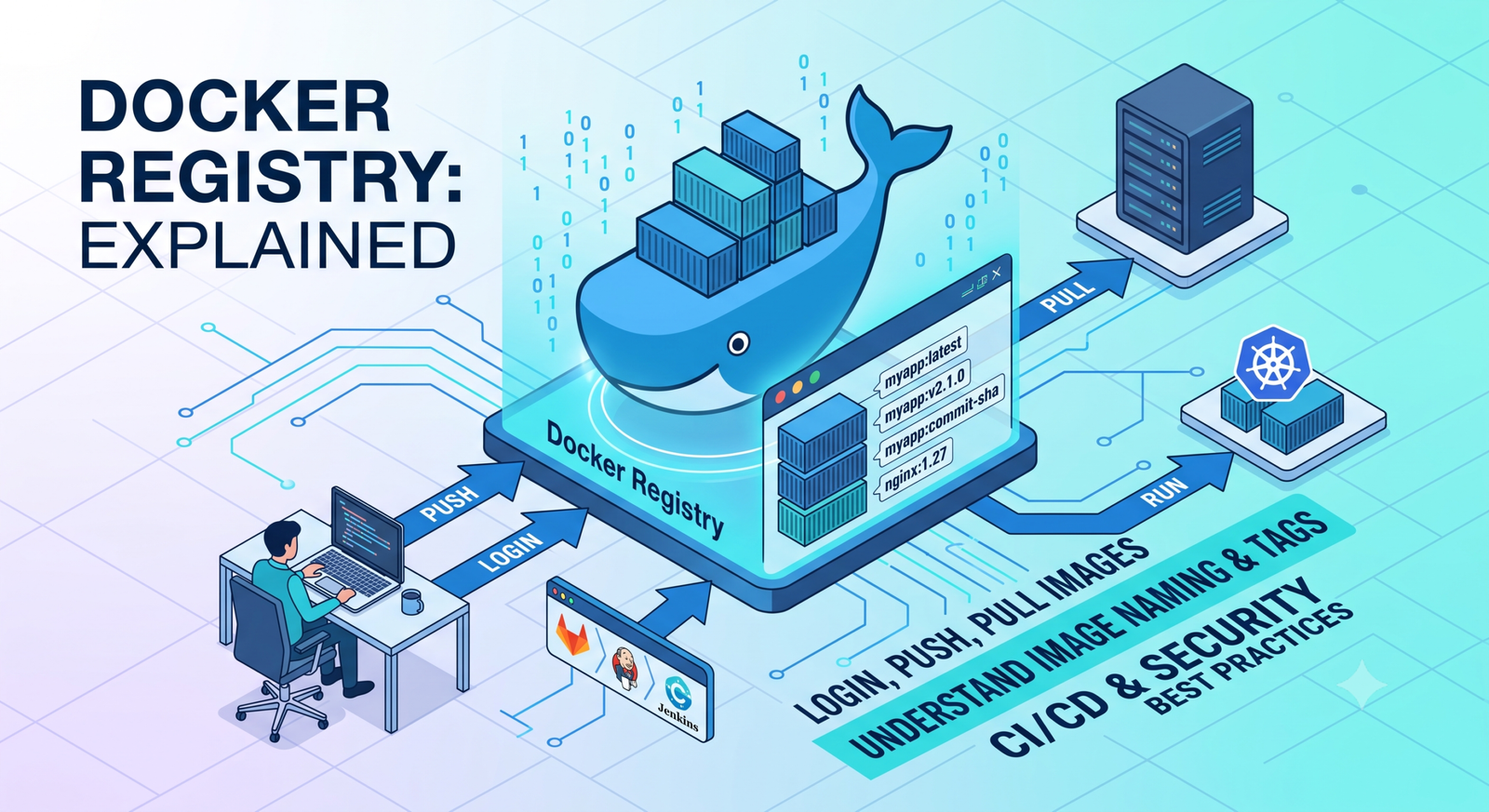
Learn Docker registries, image tags, Docker Hub, private registries, login, push, pull, naming rules, CI/CD us...
2 min read · Sep 17, 2026
Learn how Kubernetes Deployments and ReplicaSets work with practical YAML, scaling, self-healing, rolling upda...
7 min read · Sep 17, 2026

Learn Kubernetes monitoring and logs with kubectl logs, events, metrics-server, top commands, Prometheus, Graf...
5 min read · Sep 17, 2026

Learn Kubernetes Ingress with controllers, IngressClass, host and path routing, TLS, DNS, annotations, redirec...
8 min read · Sep 17, 2026Stay in the loop. Get new Melochip articles
Receive Melochip article updates when new articles are available. Explicit opt-in only.
No comments yet. Start the discussion.