
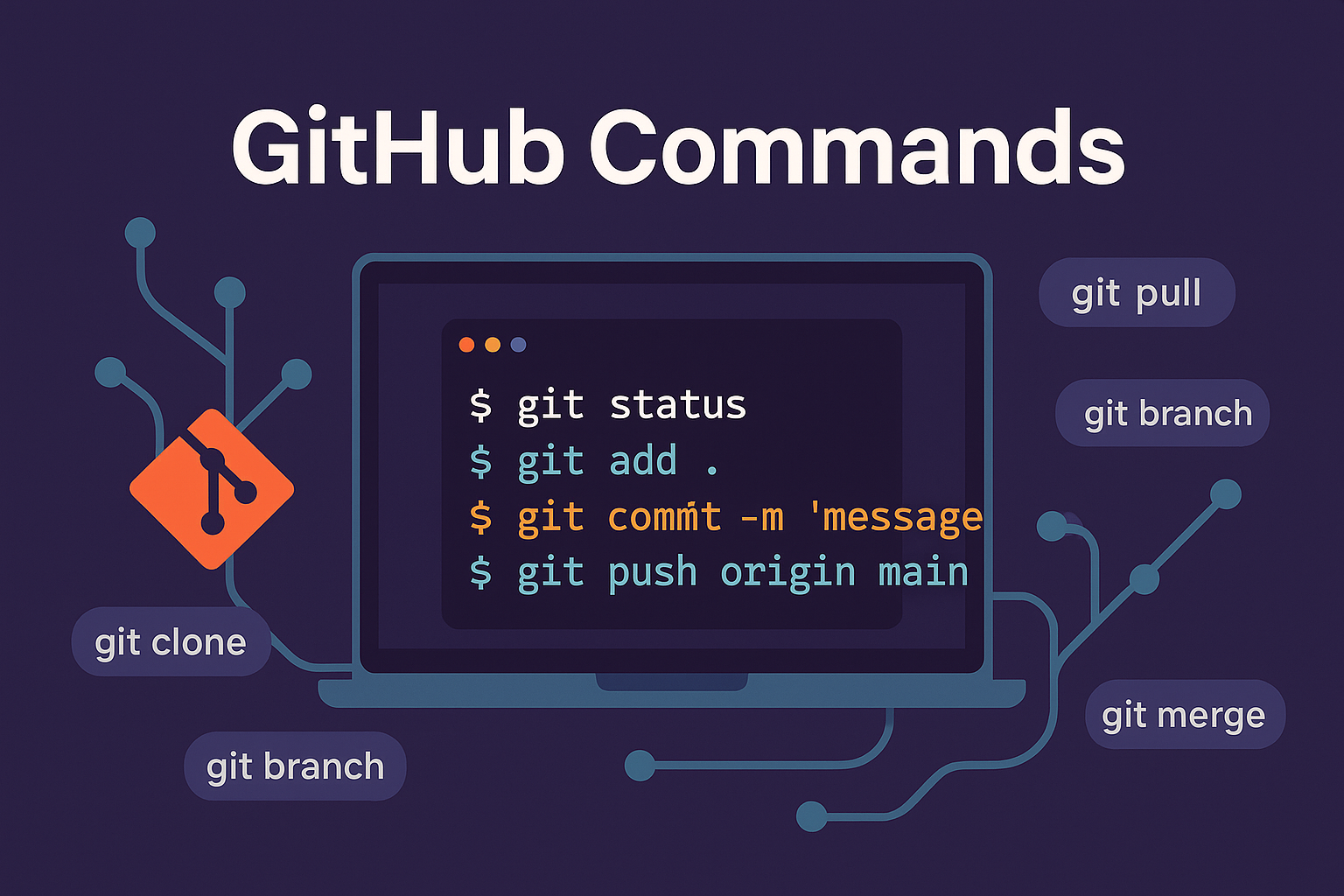
Essential Git and GitHub commands
Git is a distributed version-control system. GitHub hosts Git repositories and adds collaboration features such as pull requests, reviews and automation. This practical command reference uses modern commands and calls out destructive operations.
Configure and initialize Git
git config --global user.name "Your Name"
git config --global user.email "you@example.com"
git config --list
git init
git clone <repository-url>Inspect changes
git status
git diff
git diff --staged
git log --oneline --graph --decorate --all
git log --stat
git show <commit-id>Stage and commit
git add <file>
git add .
git commit -m "Describe what changed"
git commit -a -m "Commit tracked changes"
git commit --amendReview staged changes before committing. Amend only when you understand whether the commit has already been shared.
Create and switch branches
git switch -c <branch>
git switch <branch>
git branch
git branch -a
git merge <branch>The older checkout command can also create or switch branches, but git switch communicates the intent more clearly.
Work with remotes
git remote -v
git fetch origin
git pull
git pull --rebase
git push -u origin <branch>
git push origin <branch>Stash unfinished work
Use Git's temporary work-saving feature to set aside uncommitted changes, list saved work and restore it when the working tree is ready.
Undo and recover changes safely
Choose the recovery command based on whether changes are committed, shared or still only in the working tree.
Use the restore command for selected working-tree changes, revert for a safe inverse commit on shared history, and reflog to locate earlier commit positions.
- git restore discards or unstages selected working changes.
- git revert creates a new commit that reverses an earlier commit and is appropriate for shared history.
History rewriting and selected commits
Use interactive rebase only on private history, and use cherry-pick when a reviewed commit must be applied to the current branch.
Interactive rebase rewrites commit history. Do not rebase commits that teammates already depend on unless the team has coordinated the change.
Delete branches
Delete merged local branches normally. Force deletion or remote deletion should be performed only after confirming that no required work will be lost.
Use the lowercase -d option first because it protects unmerged work. The uppercase -D option forces deletion.
Create and apply patches
Validate a patch before applying it, then review the resulting working-tree changes before committing.
Tags
Create annotated version tags for releases, publish the selected tag to the remote repository, and list existing tags before choosing a new version.
Common troubleshooting
- Push rejected: fetch the remote branch, review changes, then merge or rebase before pushing.
- Merge conflict: edit conflicted files, stage the resolutions and continue the merge or rebase.
- Detached HEAD: create a branch at the current commit before doing more work.
- Accidental commit on the wrong branch: create the correct branch at the commit, then repair the original branch carefully.
- Large or generated files committed: remove them from tracking and add the correct pattern to .gitignore.
Recommended daily workflow
- Create a focused feature branch.
- Review the working tree and stage only intended files.
- Inspect the staged difference.
- Commit with a clear message.
- Synchronize with the base branch.
- Publish the feature branch and open a review.
Official references
Join the discussion
0 CommentsAsk questions, add context, or share what worked.
More from Melochip Editorial

Learn what Playwright testing is, why modern QA teams use it, how testers can get started, and the major types...
7 min read · Sep 19, 2026

Learn how Kubernetes Deployments and ReplicaSets work with practical YAML, scaling, self-healing, rolling upda...
7 min read · Sep 17, 2026

Learn Kubernetes security best practices with RBAC, Secrets, ServiceAccounts, Pod securityContext, NetworkPoli...
6 min read · Sep 17, 2026Related articles
Learn how Kubernetes Deployments and ReplicaSets work with practical YAML, scaling, self-healing, rolling upda...
7 min read · Sep 17, 2026

Learn Kubernetes monitoring and logs with kubectl logs, events, metrics-server, top commands, Prometheus, Graf...
5 min read · Sep 17, 2026

Learn Kubernetes Ingress with controllers, IngressClass, host and path routing, TLS, DNS, annotations, redirec...
8 min read · Sep 17, 2026
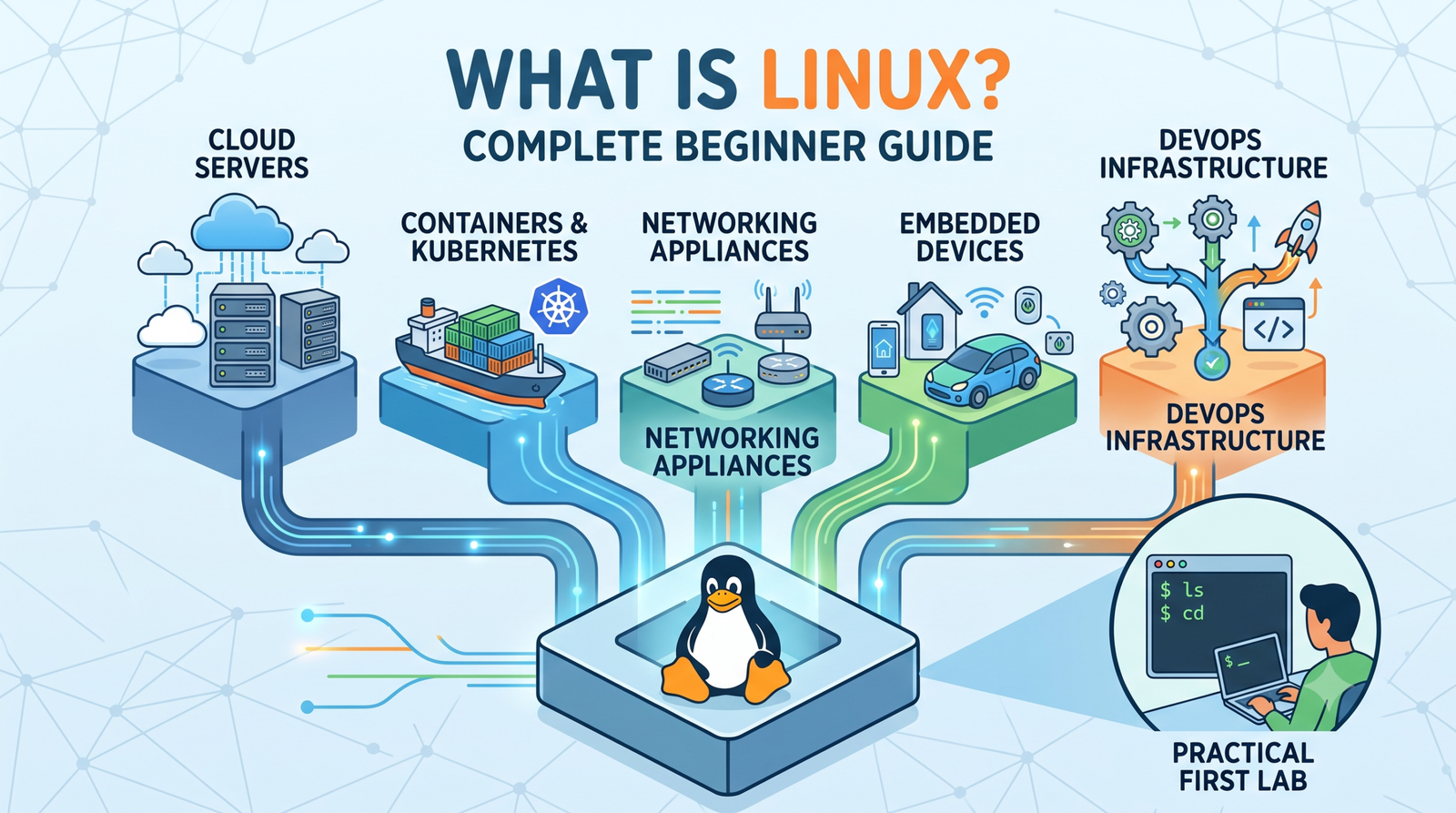
Learn Linux from the ground up with simple explanations of the kernel, distributions, filesystem, commands, pe...
4 min read · Updated Oct 1, 2026Stay in the loop. Get new Melochip articles
Receive Melochip article updates when new articles are available. Explicit opt-in only.
No comments yet. Start the discussion.