
Docker Security Best Practices
Docker security is about reducing risk across images, containers, secrets, registries, host access, runtime privileges, and CI/CD pipelines. This guide gives practical security checks for DevOps teams.
Quick security checklist
Use trusted images
Start from official or trusted base images.
Do not store secrets
Never bake passwords or tokens into images.
Run as non-root
Use least privilege when possible.
Scan images
Scan dependencies and OS packages before deployment.
Use trusted base images
FROM node:20-alpine FROM python:3.12-slim FROM nginx:alpine
Use small images where practical and keep them updated.
Avoid secrets in Dockerfile
# Bad example ENV AWS_SECRET_ACCESS_KEY=real-secret-value
Run as non-root
FROM node:20-alpine WORKDIR /app COPY package*.json ./ RUN npm ci --omit=dev COPY . . USER node CMD ["node", "server.js"]
Use .dockerignore
.git .env node_modules coverage *.log id_rsa kubeconfig
Limit container privileges
docker run --read-only --cap-drop ALL nginx
Not every app works with strict options immediately, but production teams should understand and test privilege reduction.
Protect Docker daemon access
Users who can control the Docker daemon can often gain powerful access on the host. Add users to the Docker group carefully.
Registry security
- Use private registries for internal images.
- Use least-privilege tokens.
- Rotate credentials.
- Scan images.
- Remove old vulnerable tags carefully.
CI/CD security
- Build images on trusted runners.
- Do not run untrusted pull requests with production secrets.
- Tag images with commit SHA.
- Scan images before deployment.
- Use protected branches for production releases.
Common mistakes
- Running every container as root.
- Using random public images without review.
- Committing .env files.
- Publishing database ports publicly.
- Ignoring image vulnerability reports.
Best practices
- Use trusted base images.
- Keep images small and updated.
- Use non-root users where practical.
- Do not store secrets in images.
- Scan images regularly.
- Use least privilege for registries and CI/CD.
Related Melochip guides
- Docker Learning Path
- GitLab CI/CD Security Scanning
- GitLab Runner Security Best Practices
Official references
- Docker build best practices
- Docker Engine security
Join the discussion
0 CommentsAsk questions, add context, or share what worked.
More from Melochip Editorial

Learn what Playwright testing is, why modern QA teams use it, how testers can get started, and the major types...
7 min read · Sep 19, 2026

Learn how Kubernetes Deployments and ReplicaSets work with practical YAML, scaling, self-healing, rolling upda...
7 min read · Sep 17, 2026

Learn Kubernetes security best practices with RBAC, Secrets, ServiceAccounts, Pod securityContext, NetworkPoli...
6 min read · Sep 17, 2026Related articles

Learn Docker environment variables and secrets, including docker run -e, env files, Compose environment, secre...
2 min read · Sep 17, 2026
Prepare for Docker interviews with practical questions and real-time scenarios covering images, containers, Do...
2 min read · Sep 17, 2026
Troubleshoot Docker containers, logs, ports, image errors, permissions, volumes, networks, exit codes, health...
2 min read · Sep 17, 2026
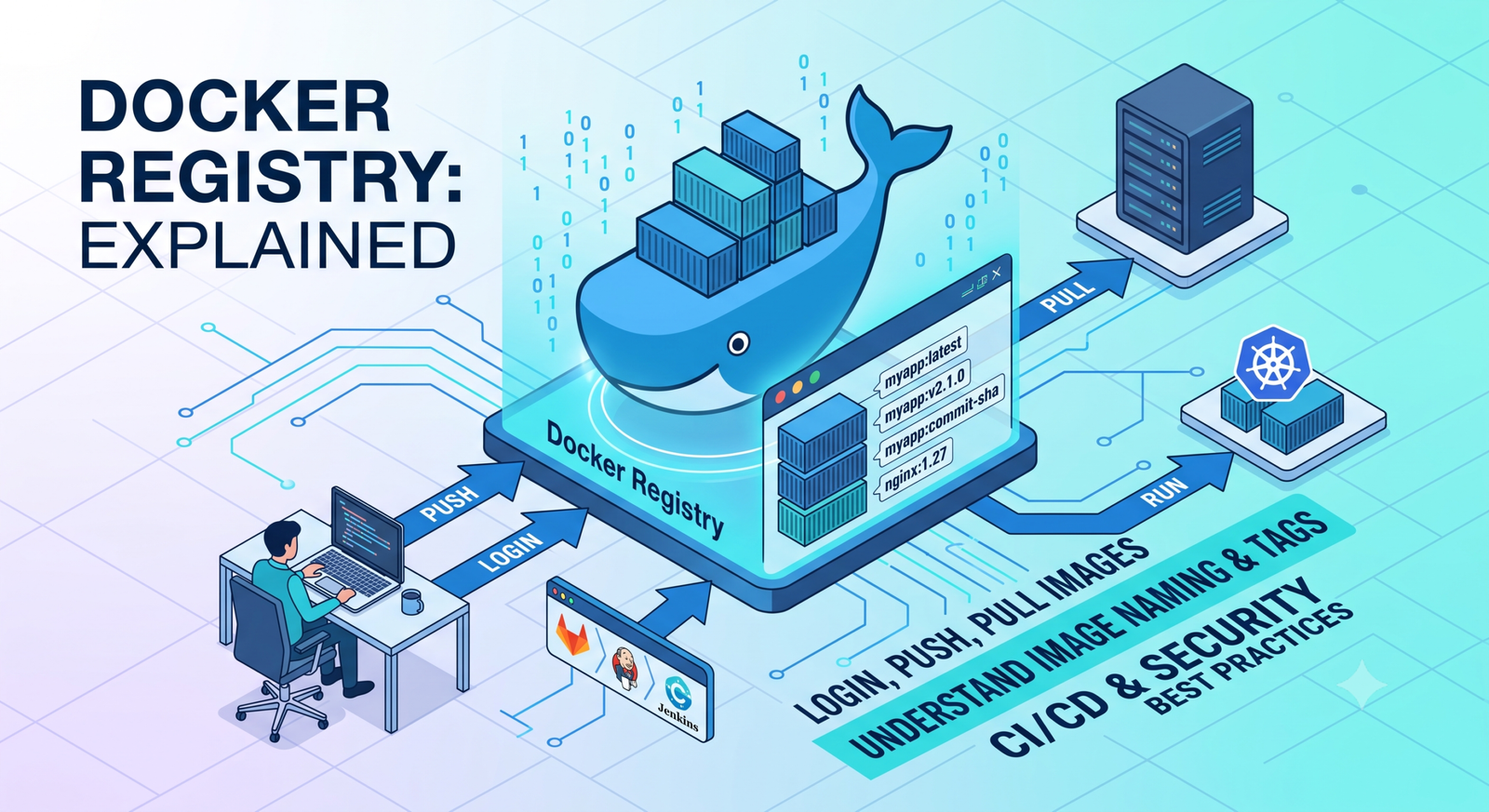
Learn Docker registries, image tags, Docker Hub, private registries, login, push, pull, naming rules, CI/CD us...
2 min read · Sep 17, 2026Stay in the loop. Get new Melochip articles
Receive Melochip article updates when new articles are available. Explicit opt-in only.
No comments yet. Start the discussion.