Docker Container ImagesContainers

Article & Tutorial

Docker Images vs Containers Explained: Layers, Tags, and Runtime

Compare Docker images and containers across layers, tags, registries, lifecycle, runtime behavior, commands, storage, common mistakes, and best practices.

Docker images compared with running containers
Contents

Docker Images vs Containers Explained

One of the first Docker concepts every beginner must understand is the difference between a Docker image and a Docker container. This guide explains images, containers, layers, tags, registries, runtime, commands, and common mistakes with practical examples.

Animated mental model

Quick answer

Image

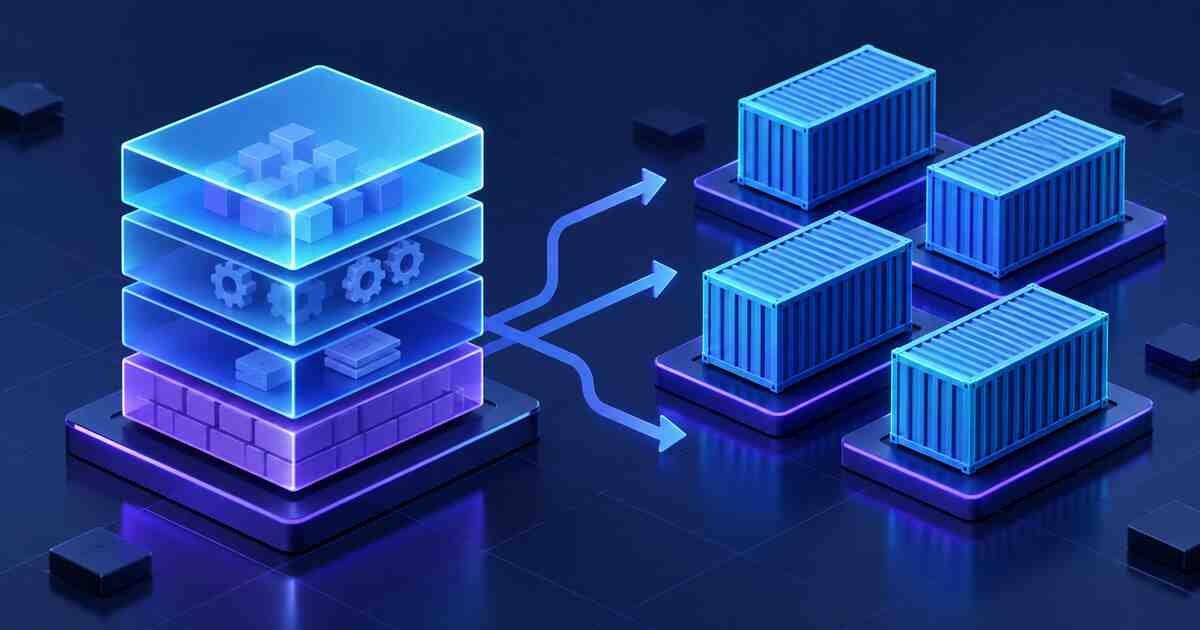
A Docker image is a read-only package containing application code, runtime, libraries, dependencies, and metadata.

Container

A Docker container is a running instance of an image. You can start, stop, inspect, log, and remove it.

Tag

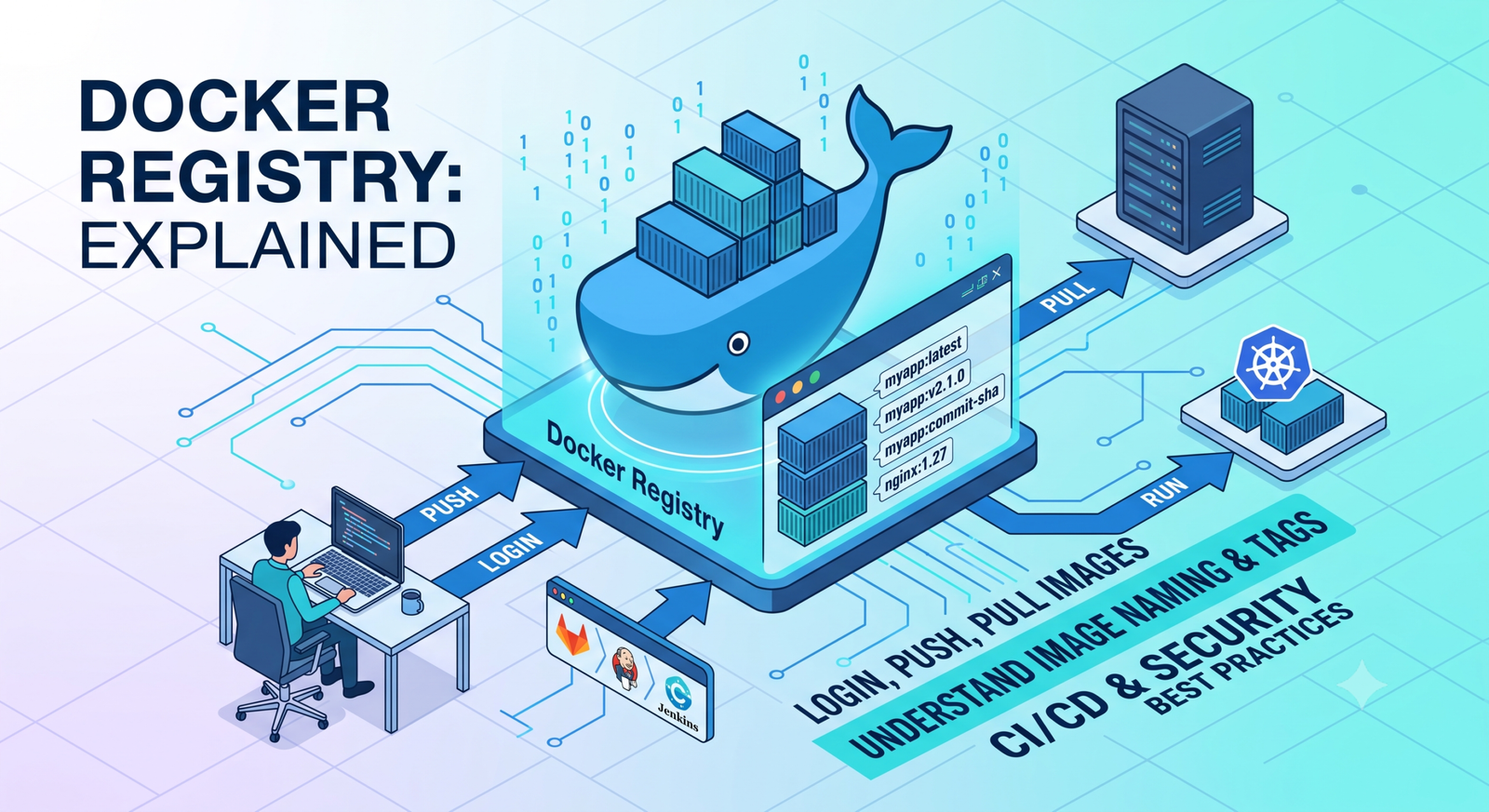
A tag identifies an image version, such as nginx:latest , node:20 , or myapp:v1.0.0 .

Image example

docker pull nginx:latest docker images

This downloads the Nginx image to your local Docker host.

Container example

docker run -d --name web -p 8080:80 nginx:latest docker ps docker logs web

This starts a running container named web from the nginx:latest image.

Image vs container comparison

  • Area — Docker Image — Docker Container
  • State — Read-only template — Running or stopped process
  • Created by — docker build or docker pull — docker run or docker create
  • Can be shared? — Yes, via registry — No, usually recreated from image
  • Data persistence — No runtime data — Runtime data unless volume is used

Useful commands

docker images docker ps docker ps -a docker inspect nginx:latest docker inspect web docker stop web docker rm web docker rmi nginx:latest

What are image layers?

Docker images are built in layers. Each Dockerfile instruction can create a layer. Layers help Docker reuse unchanged parts of an image, making builds faster.

FROM node:20-alpine WORKDIR /app COPY package*.json ./ RUN npm ci --omit=dev COPY . . CMD ["node", "server.js"]

Common mistakes

  • Thinking stopping a container deletes the image.
  • Using only latest for production deployments.
  • Storing important data inside a container without a volume.
  • Removing images before stopping dependent containers.
  • Not naming containers, then struggling to manage them.

Best practices

  • Use clear image tags such as commit SHA or version number.
  • Use volumes for persistent data.
  • Keep images small and focused.
  • Remove unused images and containers carefully.
  • Push versioned images to a registry for CI/CD use.

Related Melochip guides

  • Docker Learning Path
  • GitLab CI/CD Docker Build Pipeline
  • Kubernetes Cluster Setup Guide

Official references

  • Docker image documentation
  • Docker container documentation

Did this help?

Yes No

Join the discussion

0 Comments

Ask questions, add context, or share what worked.

Sign in to join the discussion

No comments yet. Start the discussion.

More from Melochip Editorial

Related articles

Stay in the loop. Get new Melochip articles

Receive Melochip article updates when new articles are available. Explicit opt-in only.

No pre-checked boxes. Unsubscribe support is part of the subscriber foundation.