




Join the discussion
0 CommentsAsk questions, add context, or share what worked.
More from Melochip Editorial

Playwright Testing: A Foundation Guide for Modern Web Application Testing
Learn what Playwright testing is, why modern QA teams use it, how testers can get started, and the major types...
7 min read · Sep 19, 2026
Kubernetes Deployments and ReplicaSets Explained: Scaling, Rolling Updates and Rollback
Learn how Kubernetes Deployments and ReplicaSets work with practical YAML, scaling, self-healing, rolling upda...
7 min read · Sep 17, 2026
Kubernetes Security Best Practices: RBAC, Secrets, Pods, Images and Network Policies
Learn Kubernetes security best practices with RBAC, Secrets, ServiceAccounts, Pod securityContext, NetworkPoli...
6 min read · Sep 17, 2026Related articles
Playwright Testing: A Foundation Guide for Modern Web Application Testing
Learn what Playwright testing is, why modern QA teams use it, how testers can get started, and the major types...
7 min read · Sep 19, 2026
Kubernetes Troubleshooting Guide: Fix Common Cluster, Pod, Service and Ingress Issues
Troubleshoot Kubernetes issues including Pending Pods, CrashLoopBackOff, ImagePullBackOff, service routing, in...
7 min read · Sep 17, 2026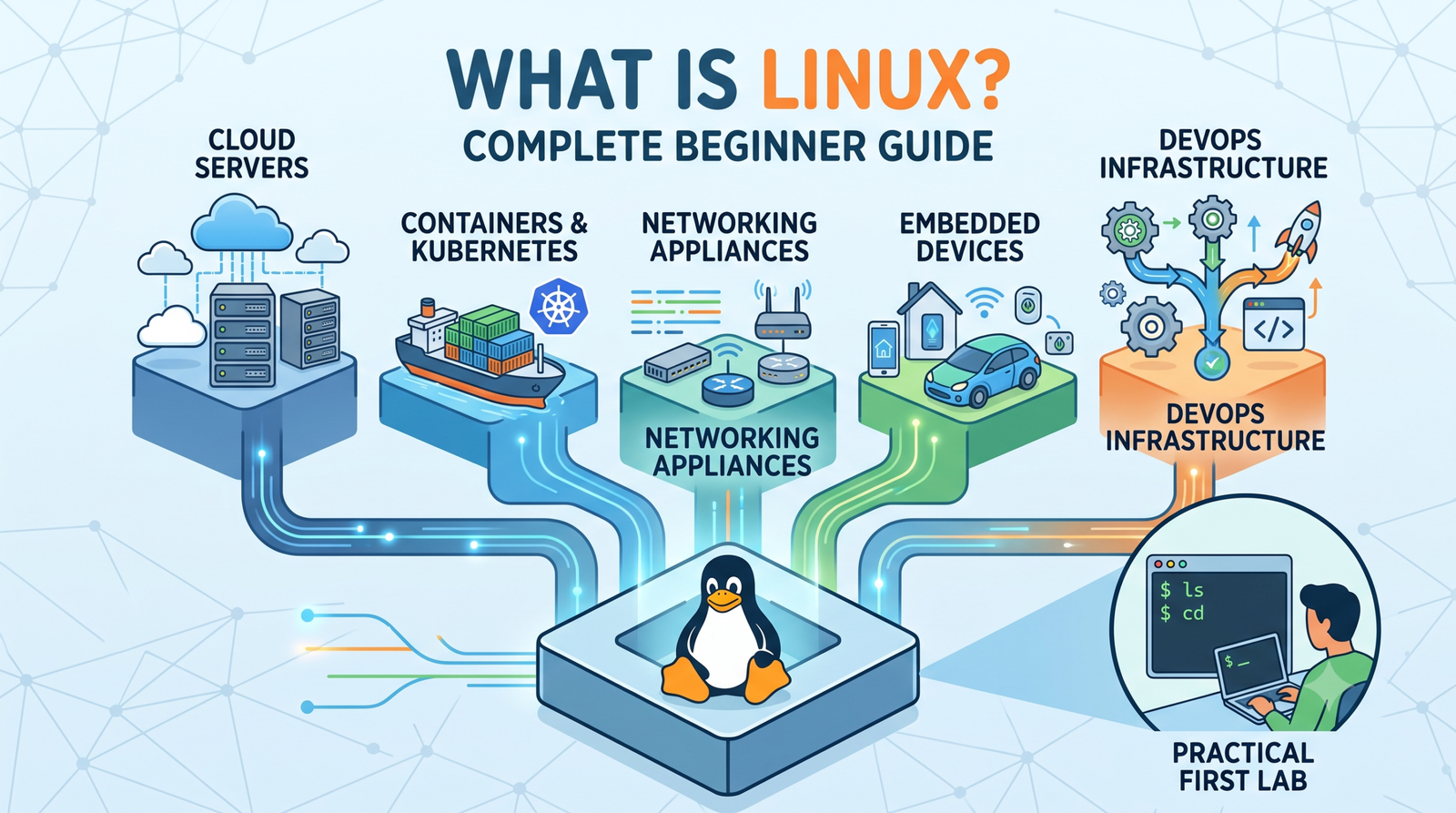
What Is Linux? Complete Beginner Guide to Architecture, Commands and DevOps
Learn Linux from the ground up with simple explanations of the kernel, distributions, filesystem, commands, pe...
4 min read · Updated Oct 1, 2026
Kubernetes Deployments and ReplicaSets Explained: Scaling, Rolling Updates and Rollback
Learn how Kubernetes Deployments and ReplicaSets work with practical YAML, scaling, self-healing, rolling upda...
7 min read · Sep 17, 2026
No comments yet. Start the discussion.