Kubernetes interview questions and real-time DevOps scenariosContents
Kubernetes Interview Questions and Real-Time Scenarios
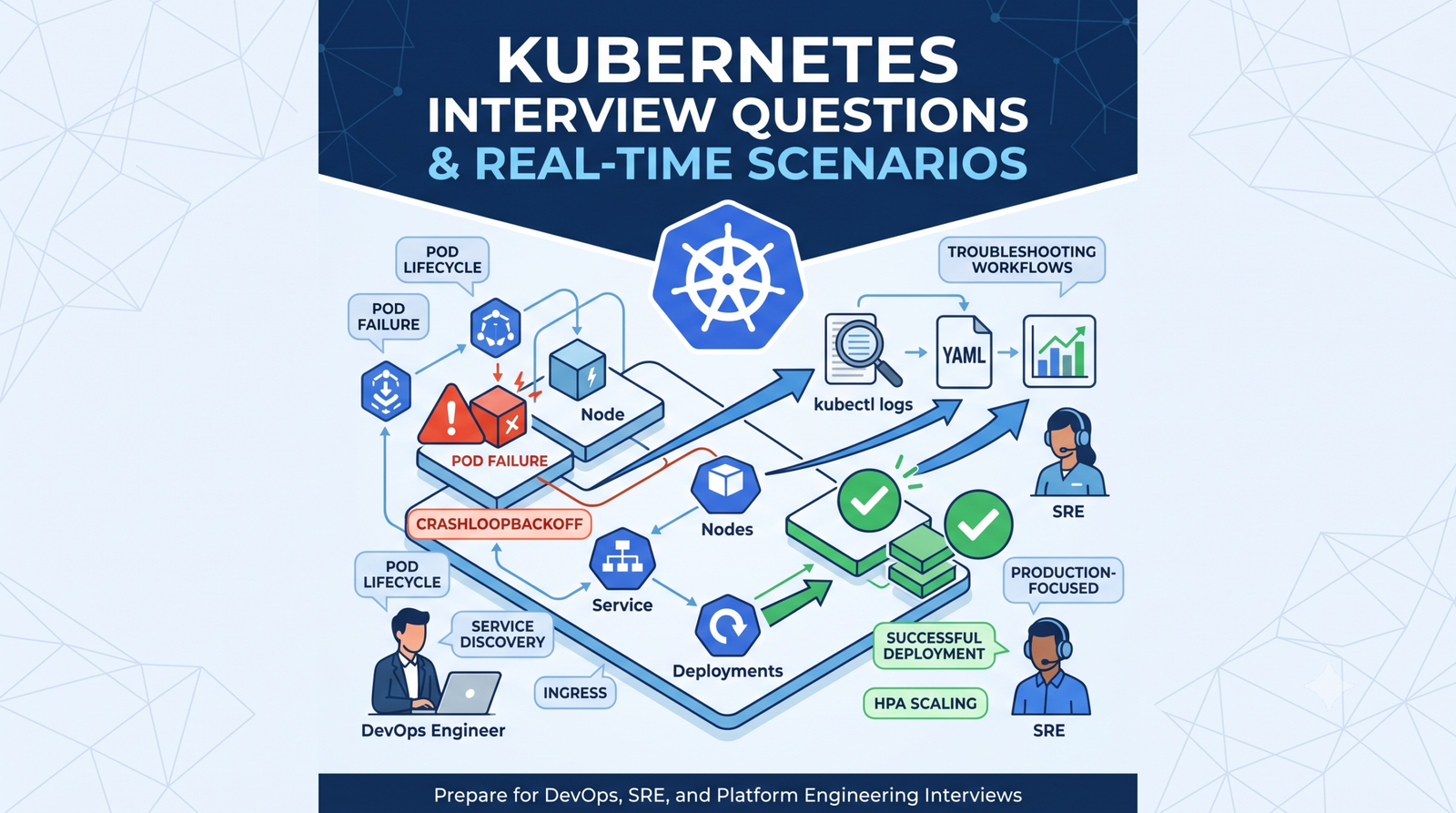
Prepare for DevOps, Platform Engineering, SRE and Cloud interviews with practical Kubernetes questions, clear answers, troubleshooting workflows, YAML examples and production-focused scenarios.
How interviewers usually evaluate Kubernetes knowledge
Concepts
Can you explain Pods, Deployments, Services, Ingress, storage and RBAC clearly?
Troubleshooting
Can you move from status to events, logs, configuration and root cause?
Production thinking
Do you consider availability, security, resources, observability and rollback?
Hands-on depth
Can you write YAML, use kubectl and explain what each field changes?
Beginner Kubernetes interview questions
Kubernetes is an open-source container orchestration platform that automates deployment, scheduling, scaling, service discovery, self-healing and updates for containerized applications across a cluster of machines.
A cluster contains a control plane and one or more worker nodes. The control plane stores desired state and makes scheduling decisions. Worker nodes run application Pods through the kubelet and container runtime.
A Pod is the smallest deployable Kubernetes unit. It contains one or more tightly coupled containers that share networking, storage volumes and lifecycle. In most cases, one application container runs per Pod.
A container is the application runtime unit. A Pod is the Kubernetes wrapper that provides networking, identity, volumes, restart behavior and scheduling for one or more containers.
A Deployment manages stateless application Pods through ReplicaSets. It provides replica management, rolling updates, rollback, rollout history and declarative desired state.
A ReplicaSet ensures that a specified number of matching Pod replicas are running. Deployments normally create and manage ReplicaSets automatically.
A Service provides a stable virtual IP and DNS name for a changing set of Pods selected by labels. It forwards traffic to healthy endpoints.
ClusterIP is internal to the cluster. NodePort exposes the Service through a port on every node. LoadBalancer requests an external load balancer when supported by the environment.
A Namespace logically groups namespaced resources. Teams use namespaces to separate environments, ownership, RBAC, quotas and policies.
kubectl is the command-line client used to communicate with the Kubernetes API Server and manage resources.
Intermediate interview questions
Controllers continuously compare desired state with actual state. If a Pod disappears, a ReplicaSet creates a replacement. If a node fails, controllers can reschedule eligible workloads on healthy nodes.
The scheduler filters nodes that cannot run the Pod and scores suitable nodes. It considers CPU and memory requests, affinity, anti-affinity, taints and tolerations, topology constraints, volumes and other scheduling rules.
Requests influence scheduling and reserve expected resources. Limits cap maximum usage. CPU limits may cause throttling; memory limit violations can lead to an OOMKill.
A readiness probe controls whether a Pod receives Service traffic. A liveness probe checks whether a container should be restarted. A startup probe protects slow-starting applications from premature liveness failures.
The Deployment creates a new ReplicaSet and gradually replaces old Pods according to maxSurge and maxUnavailable . Readiness probes help prevent traffic from reaching unready replacements.
kubectl rollout history deployment/myapp
kubectl rollout undo deployment/myapp
kubectl rollout status deployment/myapp
Ingress defines HTTP and HTTPS routing rules to Services. An ingress controller is required to implement those rules. Common use cases include host-based routing, path-based routing and TLS termination.
ConfigMaps store non-sensitive configuration. Secrets store sensitive values, but base64 encoding is not encryption. Production clusters should use least-privilege RBAC, encryption at rest and often an external secrets system.
A PersistentVolume represents storage, a PersistentVolumeClaim requests storage, and a StorageClass defines dynamic provisioning behavior. Kubernetes binds a suitable PV to a PVC.
A Role grants permissions within one namespace. A ClusterRole can cover cluster-scoped resources or define reusable permissions. RoleBinding grants access in one namespace, while ClusterRoleBinding grants cluster-wide access.
Advanced interview questions
etcd is the strongly consistent key-value store used by Kubernetes to store cluster state and configuration. Reliable backups, encryption and restricted access are essential because loss or corruption can affect the entire cluster.
kubectl sends the desired object to the API Server. The request passes authentication, authorization and admission. The object is persisted, then controllers and the scheduler reconcile the cluster toward the requested state.
Taints repel Pods from nodes. Tolerations allow matching Pods to be scheduled there, but do not guarantee placement. Node affinity is commonly used alongside tolerations to target dedicated nodes.
Affinity attracts Pods toward matching topology domains. Anti-affinity spreads or separates workloads. They are useful for availability, locality and dedicated placement, but complex rules can reduce schedulability.
A PodDisruptionBudget limits voluntary disruptions by specifying minimum available Pods or maximum unavailable Pods. It helps during node drains and maintenance, but does not prevent involuntary failures.
Deployments manage interchangeable stateless replicas. StatefulSets provide stable identities and ordered behavior for stateful workloads. DaemonSets run one Pod on every eligible node, often for logging or monitoring agents.
CoreDNS provides DNS records for Services. Pods in the same namespace can use the short Service name, while cross-namespace access commonly uses service.namespace.svc.cluster.local .
A headless Service uses clusterIP: None . DNS returns Pod endpoint addresses instead of one virtual Service IP. It is commonly used with StatefulSets and custom client-side discovery.
Use least-privilege RBAC, strong identity integration, network policies, Pod Security controls, trusted images, image scanning, Secret protection, encryption at rest, audit logging, timely upgrades and restricted API exposure.
Ingress offers standardized basic HTTP routing. Gateway API provides more expressive, role-oriented resources such as GatewayClass, Gateway and HTTPRoute, with broader traffic-management capabilities when supported by the controller.
Real-time troubleshooting scenarios
Scenario — Investigation sequence — Likely fixes
Pod is in CrashLoopBackOff — get → describe → current logs → --previous logs → env/config/probes — Fix command, application crash, missing config, failed dependency or probe timing.
Pod is in ImagePullBackOff — Describe Pod and inspect events; verify image, tag, registry and pull Secret. — Correct image reference, credentials, network access or registry permissions.
Pod stays Pending — Describe Pod; check resources, taints, affinity, PVCs and node conditions. — Add capacity, correct requests, tolerate taints, fix affinity or provision storage.
Service has no traffic — Check Service selector, Pod labels, readiness and EndpointSlices. — Correct selector/labels, ports or readiness failures.
Ingress returns 404 — Check ingress class, host header, path rule and controller logs. — Correct DNS/Host, pathType, class or backend rule.
Ingress returns 502/503 — Check Service, EndpointSlices, targetPort and Pod readiness. — Fix backend port, selectors, Pods or application health.
PVC remains Pending — Describe PVC; inspect StorageClass, provisioner, access mode and topology. — Fix StorageClass, CSI driver, capacity, zone or access-mode mismatch.
Deployment rollout is stuck — Check rollout status, ReplicaSets, events, probes and image pull status. — Fix new revision or roll back safely.
User receives Forbidden — Run kubectl auth can-i using the exact identity and namespace. — Correct Role, RoleBinding, subject, resource, verb or namespace.
Node becomes NotReady — Check node conditions, kubelet, disk, memory, networking and container runtime. — Restore node services/capacity or cordon and drain when appropriate.
Scenario: production Pods are restarting with OOMKilled
A strong interview answer should explain both immediate investigation and prevention:
kubectl get pods -n production
kubectl describe pod POD_NAME -n production
kubectl top pod POD_NAME -n production
kubectl logs POD_NAME -n production --previous
Confirm exit reason and container memory limit.
Review memory usage, traffic changes and application logs.
Check whether limits are unrealistically low or the application has a leak.
Temporarily stabilize capacity if necessary.
Fix application behavior, right-size requests/limits and add alerts.
Scenario: application must remain available during updates
Discuss multiple controls rather than naming only rolling updates:
Run multiple replicas.
Use readiness probes.
Configure a safe RollingUpdate strategy.
Add a PodDisruptionBudget.
Spread replicas across nodes or zones.
Use graceful termination and a suitable termination grace period.








No comments yet. Start the discussion.